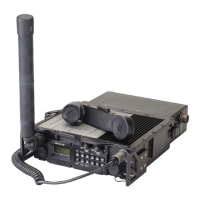
General Dynamics C4 Systems URC-200 (V2)
38
4.4.6 Setting Preset Channels
This section describes how the preset channels are set. The transceiver is initially assumed to be set
up with the following conditions: low power, AM, plain text (PT), and a frequency of 225 MHz
(for both receive and transmit), these are default values that are achieved when the transceiver is
powered-up with the [MODE] key pressed, as described in Paragraph 4.4.2, above. The transceiver
does not need to be set up with these default settings; the following procedure applies for any
settings except that the display examples will be different.
4.4.6.1 Select Preset Channels
Pressing the [CH] key and then one of the numbered [n] keys, selects
channel [n], the display shows the frequency and the attributes
associated with that channel. This example shows the key-press
sequence for selecting Preset Channel 1. Any channel from 0 to 9 may
be selected.


 To Next Page