Appendix C: TDES Key Installation Operator Manual
G1900™
© Genmega 2011
C.6
At this point the left (or first 16 digit) portion of the master key has been entered
successfully.
If you are entering a 32 bit key (TDES), the
second or “Right” half of the key is entered
next.
This option will only appear when in TDES
mode.
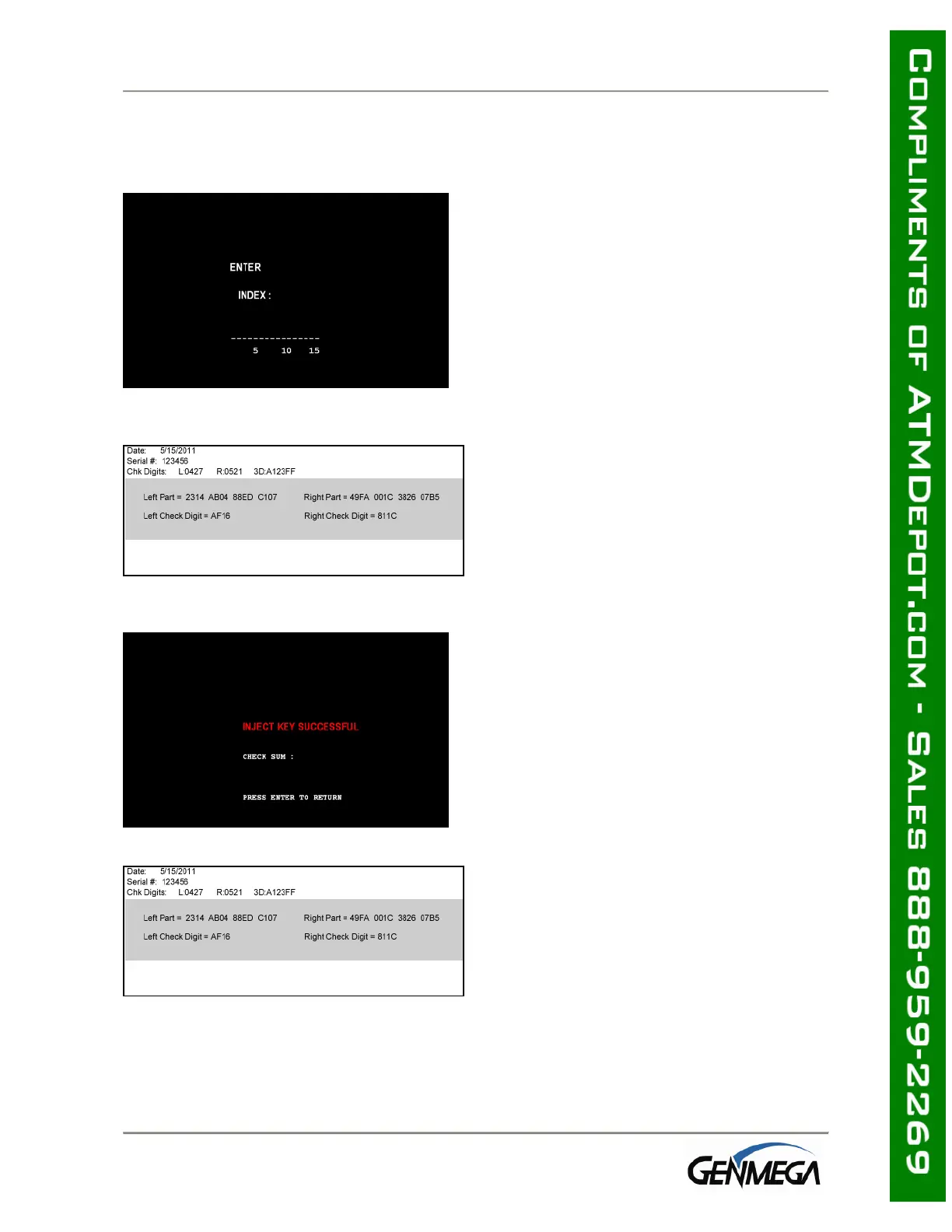
After entering the right portion of the
key successfully you’ll be prompted with
a check digit as shown below. Verify the
check digit with the information provided
by the processor.
Check digits appear after entering both
the right and left portion of each part of
the key.
Compare the check digit against the
number located at the top of the key
component. This represents a check
digit for the combined keys. There is not
a check digit shown for left and right
portions individually.



 To Next Page