796688 (4188-657)_i2 _06/03
61
Controls
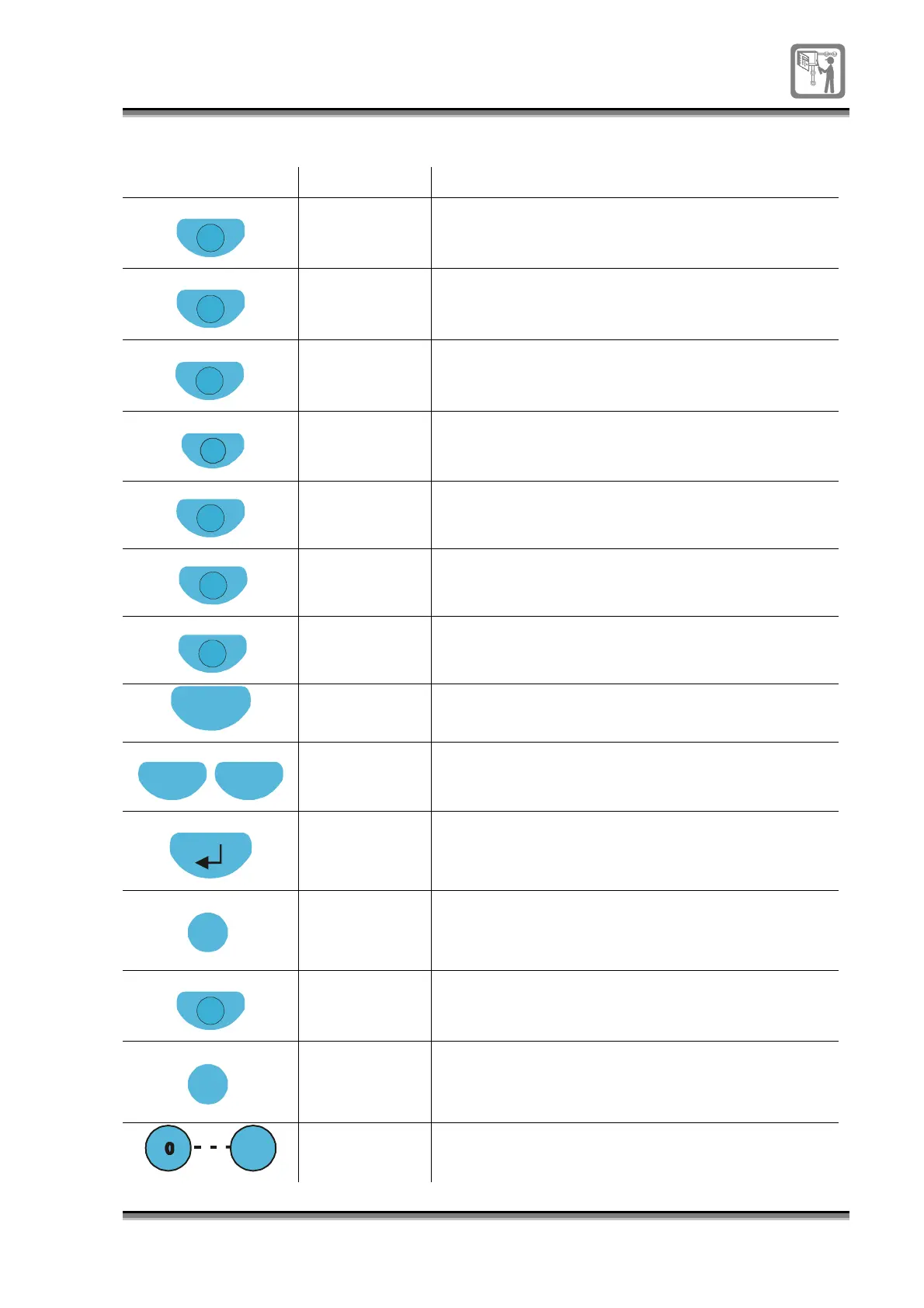
Control Access level Function
Verify
2 The button further delays the alarm from sounding
for a pre-configured time (up to 10 minutes) only if
Delay mode is active.
Delay
2 The button activates the delay mode for a pre-
configured time of up to 8 hours.
Sound Alarms
2 The button starts the alarm sounders in the
system.
Silence Alarm
2 The button stops the alarm sounders from
sounding in the system.
Reset
2 The button resets the panel.
Cancel Buzzer
1(default)/ 2 The button silences the audible warning buzzer at
the panel.
Display Test
1 /
2(default)
The button tests the LED indicators, buzzer and
display at the panel.
Esc
1 The button functions as a quit or escape key.
Previous
Next
1 These buttons are used to scroll through active
event list, form fields and menu options.
1 This button is used to enter or accept a menu
option.
Select
2 The button toggles the selections of a field in a
form.
Function
2 The button is used in the edit mode to copy and
paste text in a label field.
Edit
2 The button allows editing of text entry in a field of a
form.
9
1 These buttons are used for entering numeric data.


 To Next Page