OMGA5KN4.4 GA5000 gas analyser
Page 28 of 113 Copyright Geotech
7.0 Operator settings
7.1 Menu key
The ‘Menu’ key enables the operator to select options to set up specific
parameters and perform operational tasks prior to sample readings being
taken or to view data and information stored in the instrument.
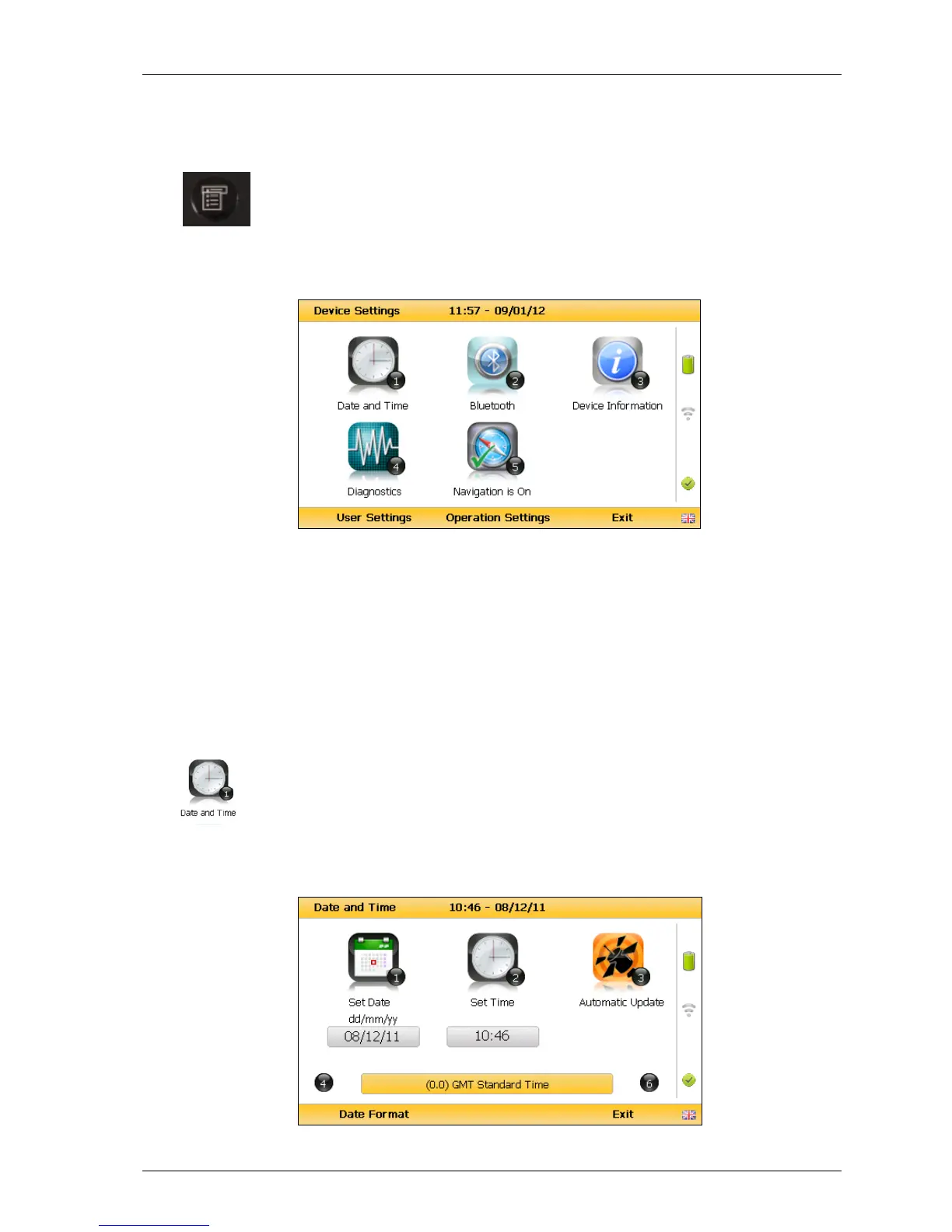
1) Select the ‘Menu’ key on the front of the analyser and the following screen is
displayed:
Device settings
2) Press the relevant numeric key on the analyser keypad to select the required option.
3) To exit this menu, select the soft-key ‘Exit’ on the front of the analyser and the
operator is returned to Main Gas Read Screen.
7.2 Device settings
7.2.1 Date and time
This option enables the operator to set the instrument date and time or to
receive and update the settings automatically from satellite signal.
1) Select the ‘Menu’ key on the front of the analyser to display the ‘Device Settings’
menu followed by ‘Key 1 – Date and Time’ and the following screen is displayed:



 To Next Page