GA5000 gas analyser OMGA5KN4.4
Copyright Geotech Page 37 of 113
4) The operator will return to the ‘User settings’ menu.
Selecting ‘Key 1’ allows the operator to configure the dimmer settings from ‘Auto Dim’
to ‘Auto Off’ in order to help preserve power consumption when data logging.
This icon represents ‘Auto Dim’ – this enables the backlight idle timeout, which means
the backlight will go dim after a specified period of inactivity. This will help save
battery life.
This icon represents ‘Auto Off’ – this switches the backlight off, saving power.
Note: The manually set contrast setting is retained when the read-out is
switched off and may require resetting when next switched on.
7.3.6 Adjust volume
This option enables the operator to adjust the volume for the internal
speaker, for example the alarm tone. A lower setting will help preserve the
battery power.
1) Select the ‘Menu’ button on the front of the analyser to display the ‘Device Settings’
menu. Press the soft-key to display ‘User Settings’.
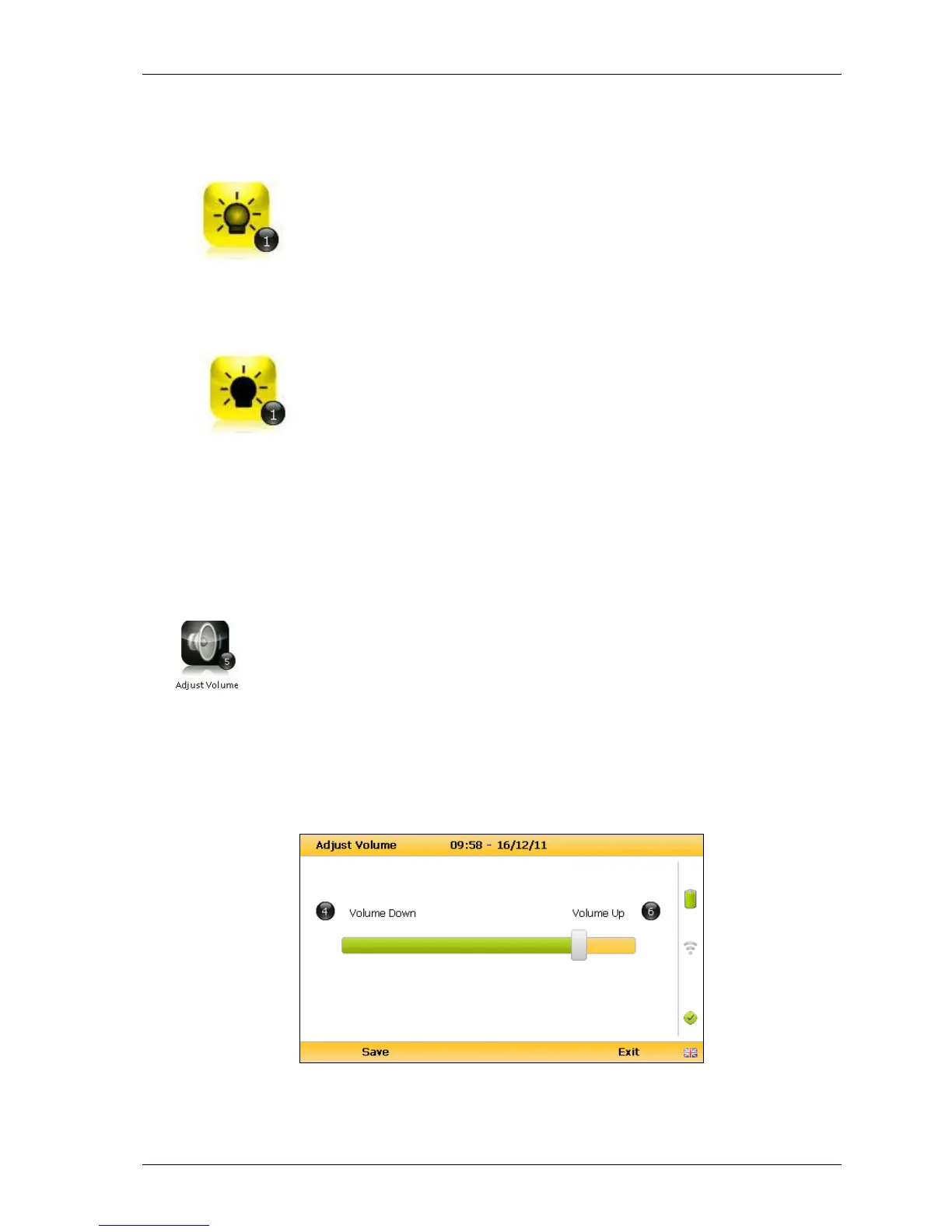
2) Select ‘Key 5 – Adjust Volume’ and the following screen is displayed:
Adjust volume
3) Manual adjustment of the volume is available via this option and can be carried out



 To Next Page