OMGA5KN4.4 GA5000 gas analyser
Page 32 of 113 Copyright Geotech
7.3 User settings
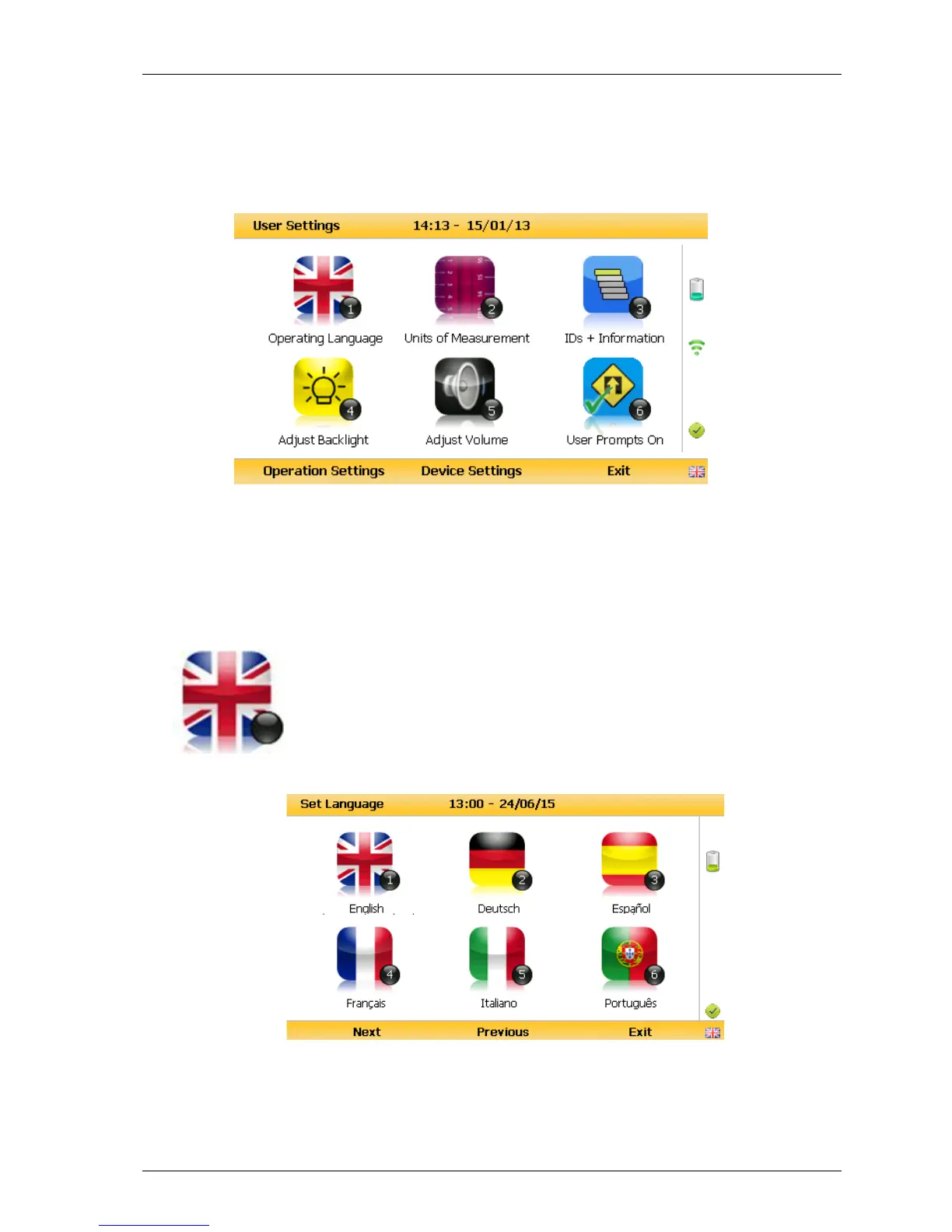
To access the ‘User settings’ menu, select the ‘Menu’ key on the front of the analyser to
display the ‘Device Settings’ menu followed by the soft-key to display ‘User Settings’
menu. The following menu is displayed:
User settings menu
To exit the user settings menu select the soft-key ‘Exit’.
7.3.1 Operating language



 To Next Page