GA5000 gas analyser OMGA5KN4.4
Copyright Geotech Page 65 of 113
9.6 Gas analyser
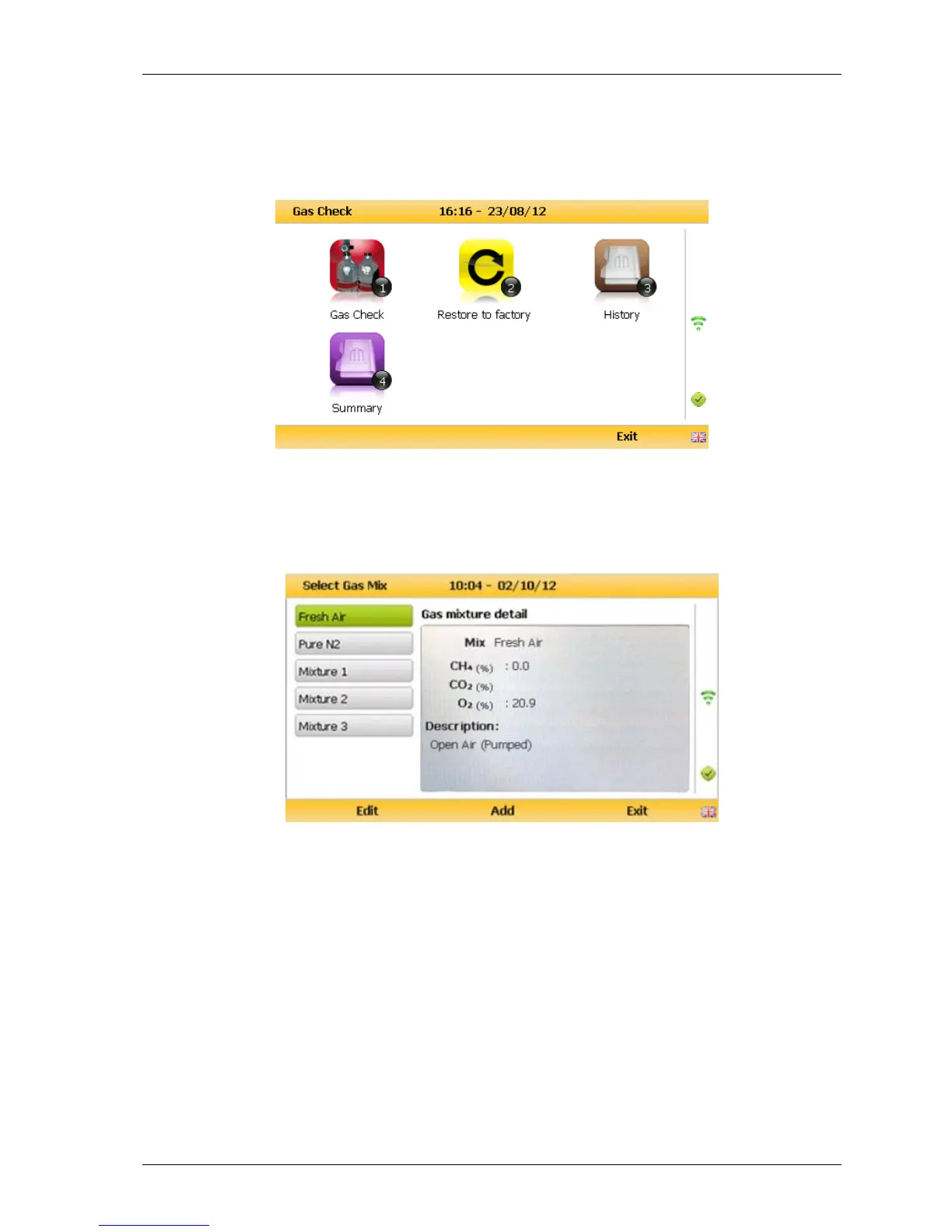
For the GA5000 gas analyser the calibration options can be found by selecting the ‘Menu’
key followed by soft-key ‘Operation Settings’. Select soft-key ‘1’ for ‘Gas Check’ and the
menu below will appear. From here, select soft-key 1 for ‘Gas Check’.
Gas Check
9.7 Calibration processes – best practice
The following process diagrams outline the calibration steps.



 To Next Page