GA5000 gas analyser OMGA5KN4.4
Copyright Geotech Page 33 of 113
2) Set the required language for the gas analyser by selecting the appropriate function
key. Choose from, on the first page:
Use the soft-keys to move to the next page for further language options, including
simplified Chinese
3) To exit this option, select the soft-key ‘Exit’ and the operator is returned to the
‘User Settings’ menu.
7.3.2 Units of measurement
This option enables the operator to specify the default units of
measurement for the instrument.
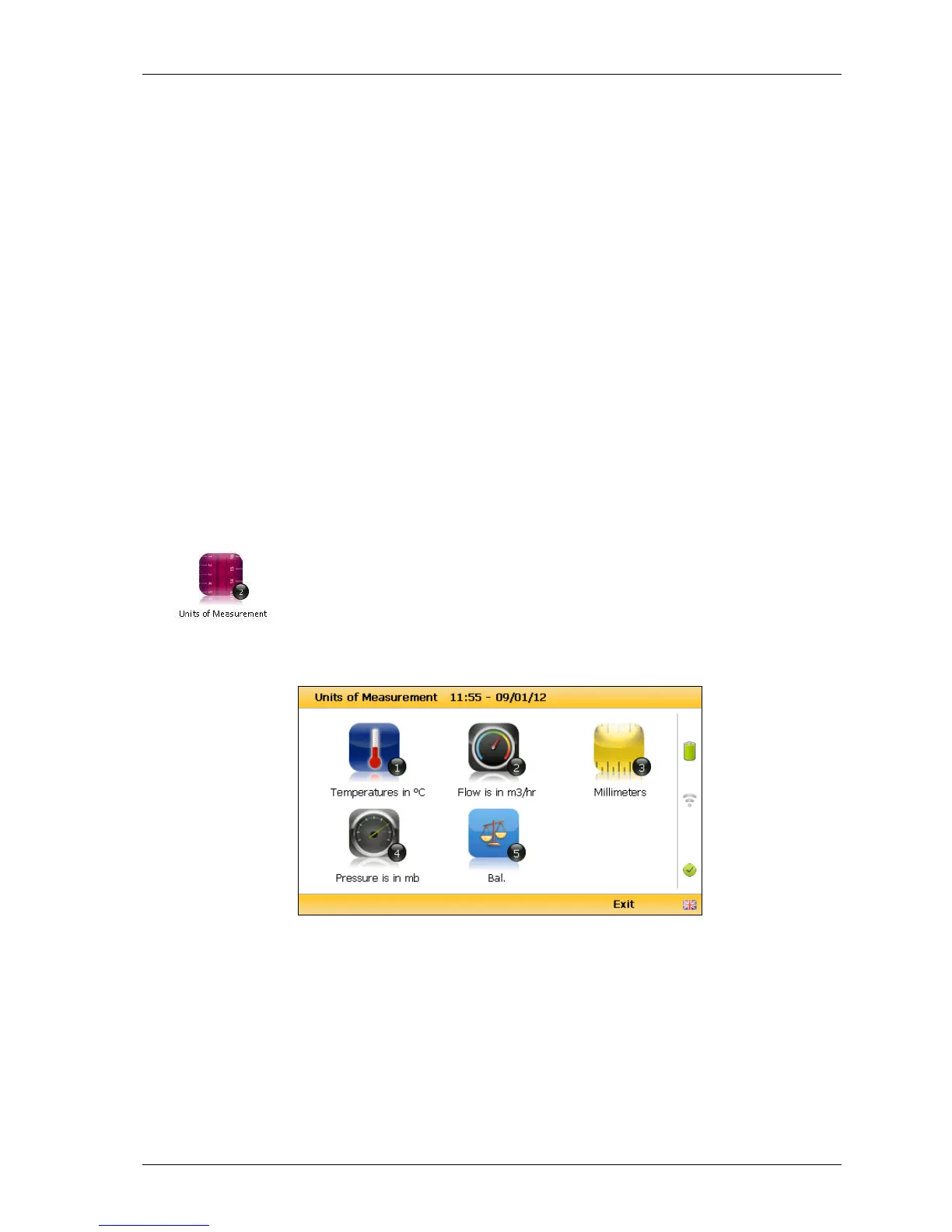
1) Select ‘Key 2 – Units of Measurement’ and the following screen is displayed:
Units of measurement menu
2) To set the required units of measurement toggle and choose from the following:



 To Next Page