OMGA5KN4.4 GA5000 gas analyser
Page 38 of 113 Copyright Geotech
with use of ‘Key 4 - Scroll left’ () volume down and ‘Key 6 - Scroll right’ (>) volume
up.
4) Select the soft-key ‘Save’ to store the setting or select soft-key ‘Exit’ to exit the screen
without saving the change.
5) The operator will return to the ‘User settings’ menu.
7.3.7 User Prompts
This option enables the operator to either turn on or off the context-sensitive
user prompts which are displayed during the gas sample process. The analyser
will have the user prompts on when it is first used, so if they are no required
they can be switched off by selecting soft-key ‘6’ and this will now be its
default setting. Prompts can be switched back on at any time by returning to this menu
and selecting soft-key ‘6’.
7.4 Operation settings
To access the ‘Operation settings’ menu, select the ‘Menu’ key on the front of the analyser
to display the ‘Device Settings’ menu followed by the soft-key to display the ‘Operation
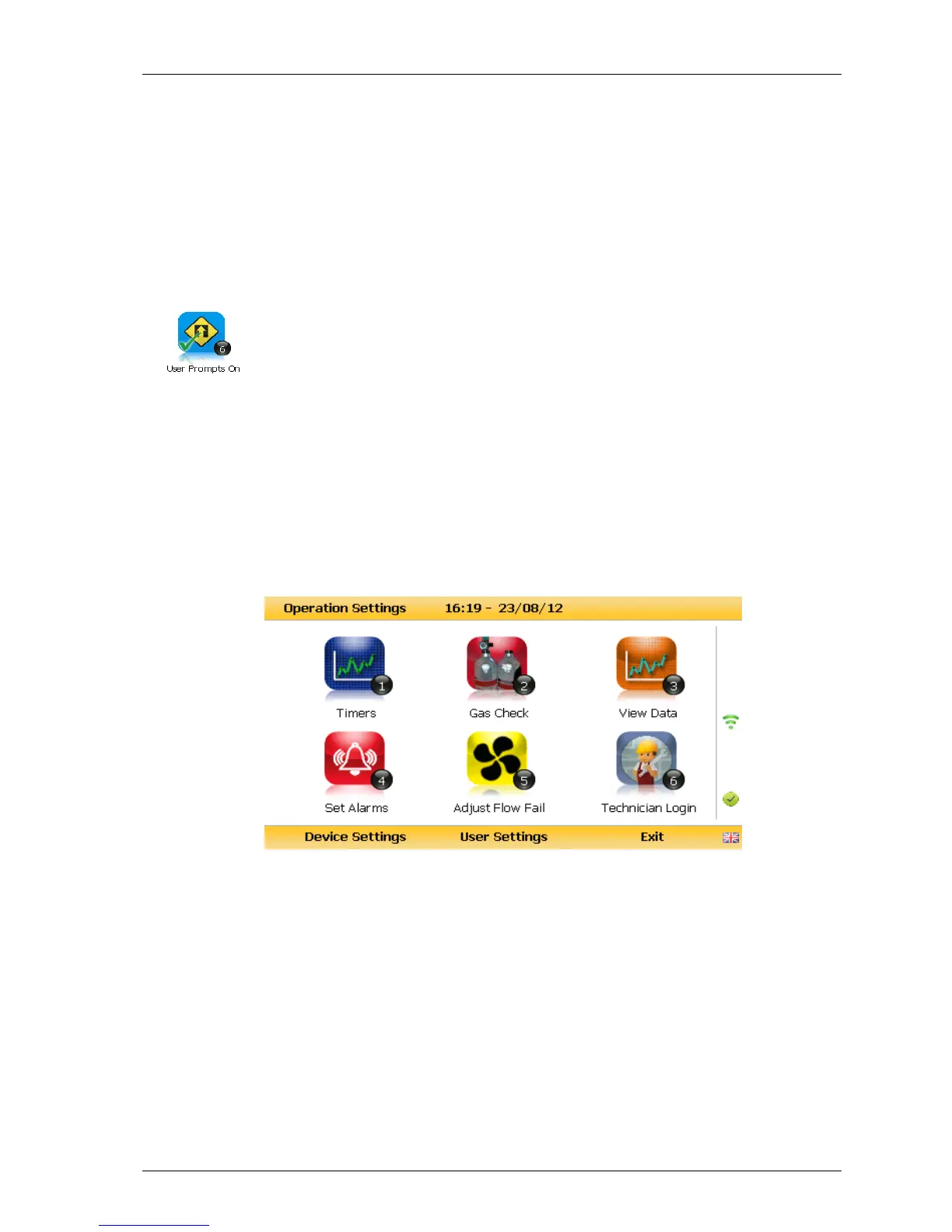
Settings’ menu. The following menu is displayed:
Operation settings menu



 To Next Page