5) Once the option has been chosen, select soft-key ‘Start’ to begin measurement.
6) Re-open the borehole tap to allow gas to pass through the instrument.
7) Depending on the option selected, the user will be directed to one of four similar
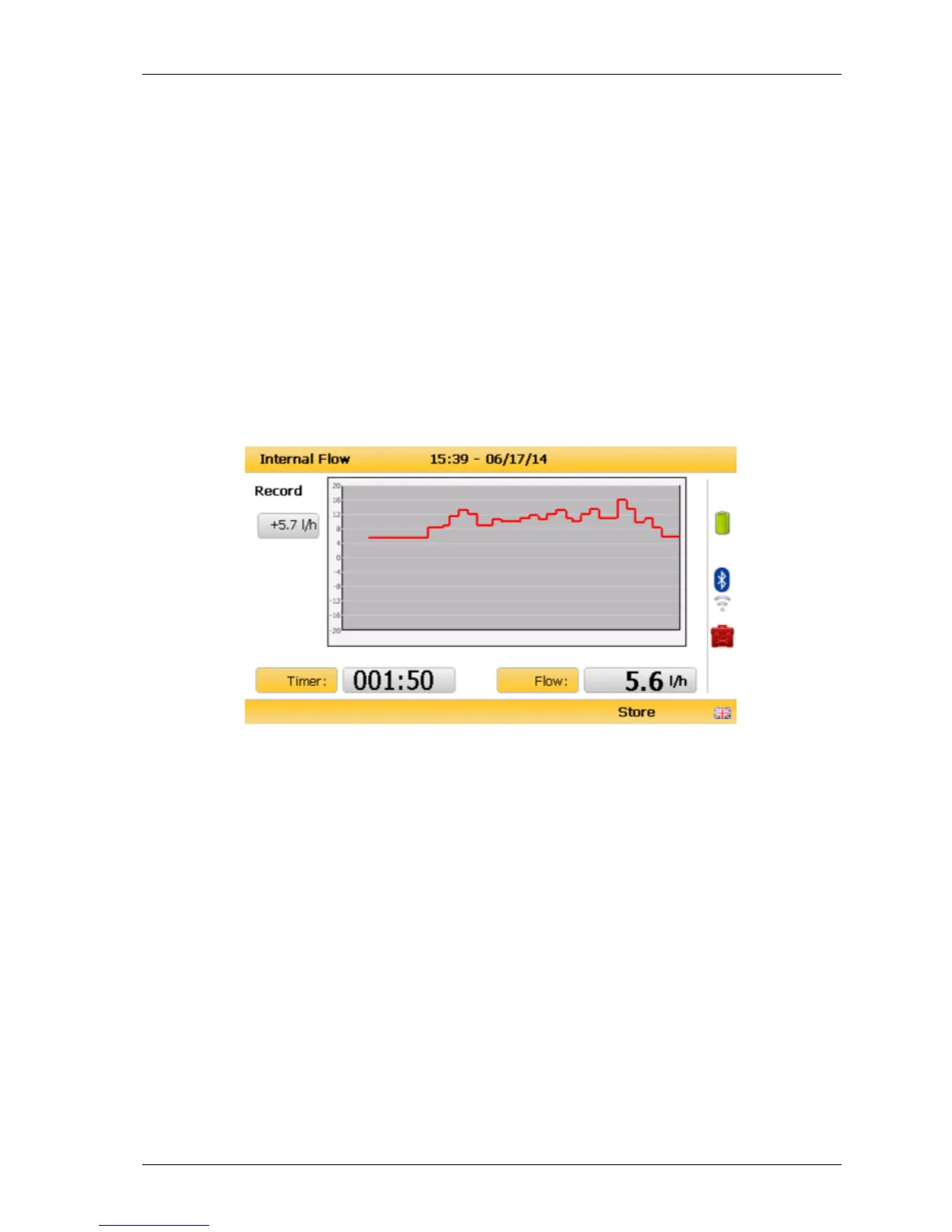
screens, each showing a graph of the gas flow rate. The chosen option will affect the
value to the left of the graph as follows:
Average – value in top left will change with the real-time mean flow rate
calculation
Peak – vaue remains at the highest flow rate recorded
Snapshot – no value seen
Record – last interval flow reading record held
As shown below, the graph displays flow measurements versus time. Below this is a timer
displaying sample duration since measurement start and next to this is a live flow
measurement display.
Flow recording
8) If a continuous duration is selected for ‘Record’ option, select soft-key ‘Store’ to stop
measurement



 To Next Page