GA5000 gas analyser OMGA5KN4.4
Copyright Geotech Page 59 of 113
following screen is displayed:
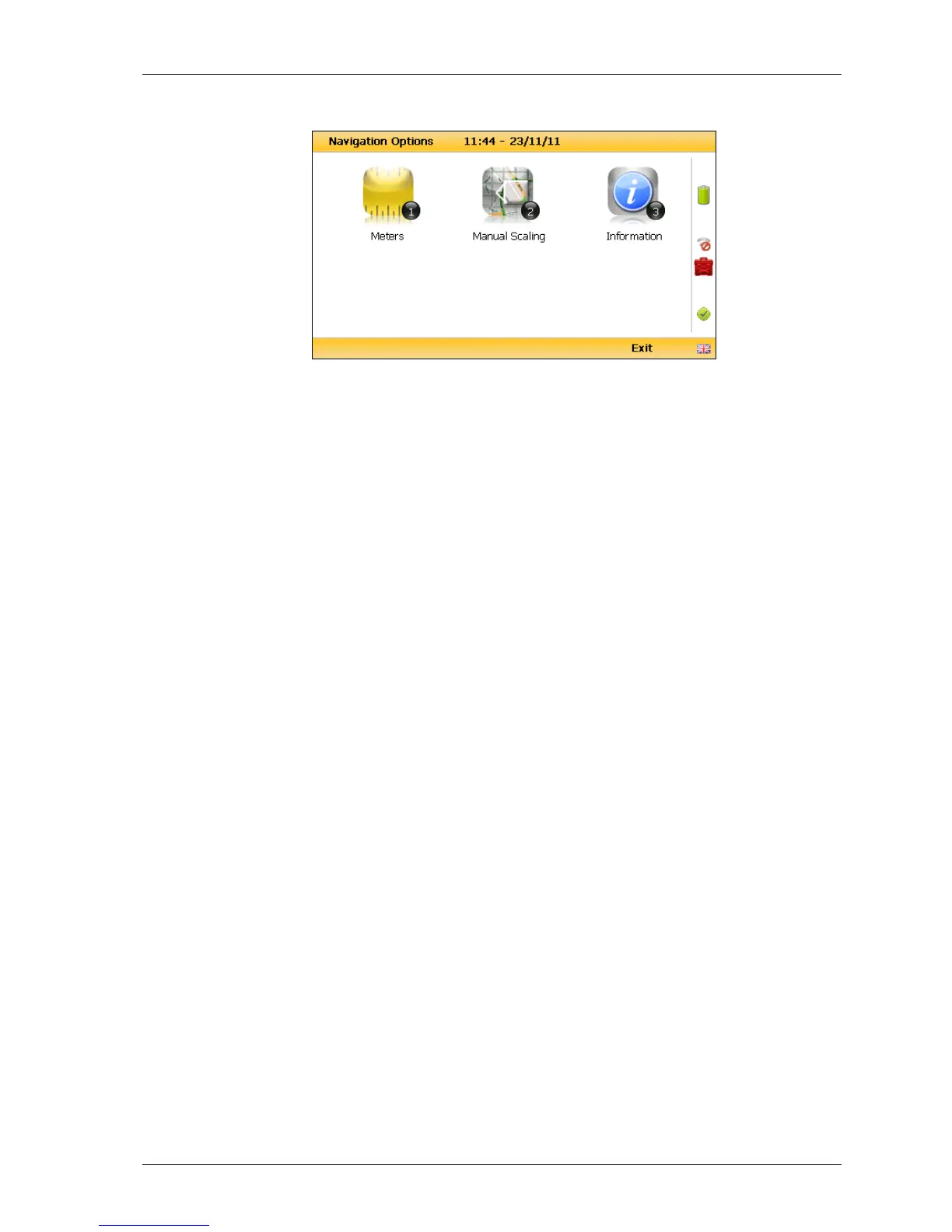
Navigation options
Key 1 to toggle between ‘Meters’, ‘Feet’ or ‘Yards’ to
define the unit of measurement.
Key 2 to toggle between ‘Manual Scaling’ and
‘Automatic Scaling’ to locate a sample point using a
satellite signal.
Key 3 to display sample point information:
‘Universal Time Code’ received from the satellite and
displays GMT.
Latitude displays as degrees, minutes, seconds and
decimal seconds. The equator is 0.
E (East) or W (West) displays the longitude as degrees,
minutes, seconds and decimal seconds. The Greenwich
meridian defines the zero point.
Altitude displays in meters, feet or yards.
This is the number of satellites that the system can
select. Four satellites will give reasonable position
accuracy; eight or more satellites will increase
accuracy.
Estimate of horizontal error on the indicated position.
The location is accurate to horizontal error 1.6m.
Estimate of vertical error on the indicated position.
‘Horizontal Dilution of Precision’ which measures the
accuracy of the indicated position.



 To Next Page