Plotter Adjustment 63
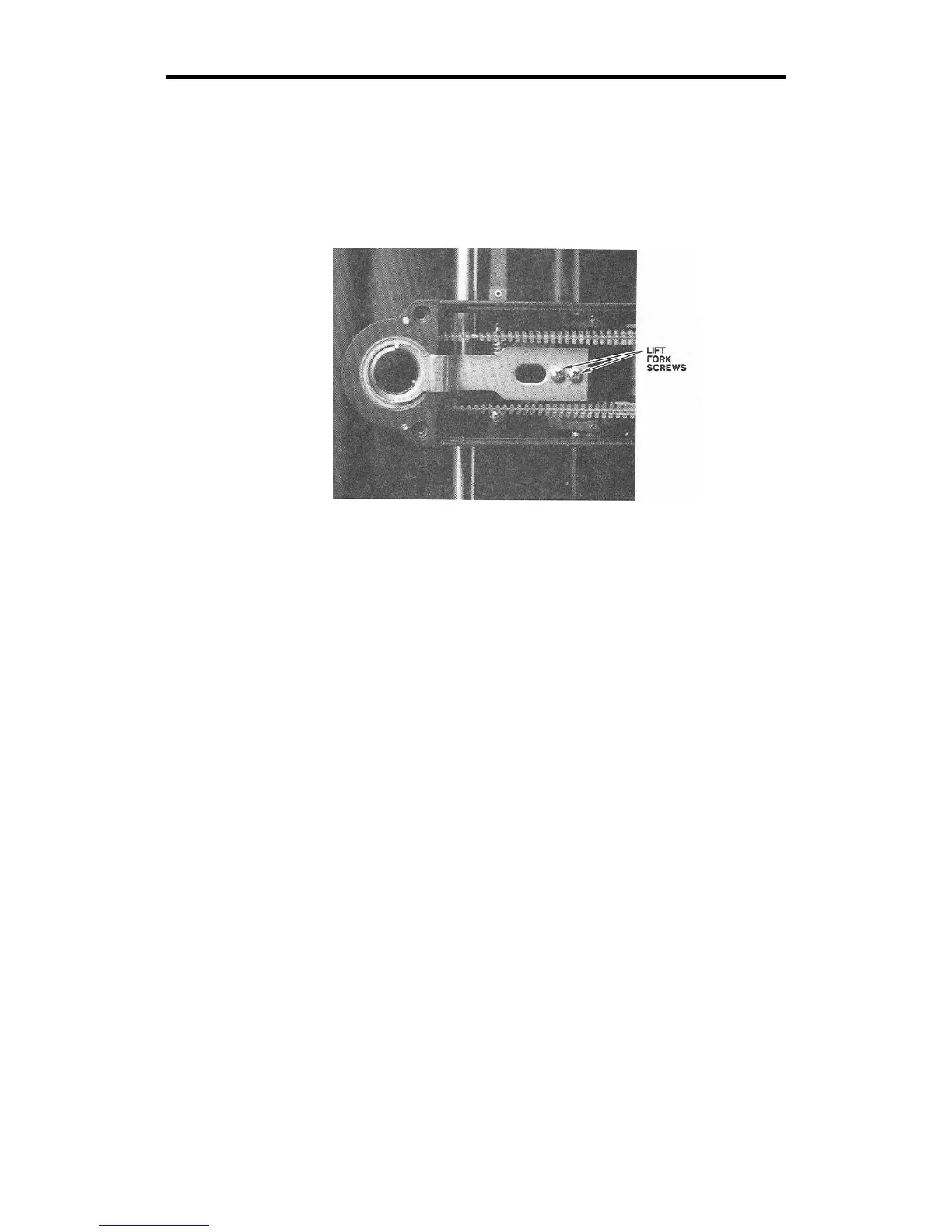
6. Rotate the cam shaft by hand until the lift fork is at the point closest
to the spindle.
7. Locate the two screws which hold the lift fork in place. Loosen these
screws but do not remove them.
8. Move the lift fork until it is correctly aligned, with the half circle of
the lift fork centered with respect to the carriage spindle.
9. Tighten the two screws.
10. After tightening the screws, make sure the lift fork is correctly
aligned. If it is not, return to step 7.
11. If the lift fork is aligned correctly, load vinyl in the plotter. Select
AXIS SWAP mode and cut a test plot.
12. If symptoms persist, turn the plotter power off.
13. Install the knife in the carriage spindle.



 To Next Page