Getting Started 1-11
Using Options
Using an SD Card
Your device has a SD (Secure Digital) card slot where you can insert an
SD/SDHC memory card or SDIO card.
Inserting an SD Card
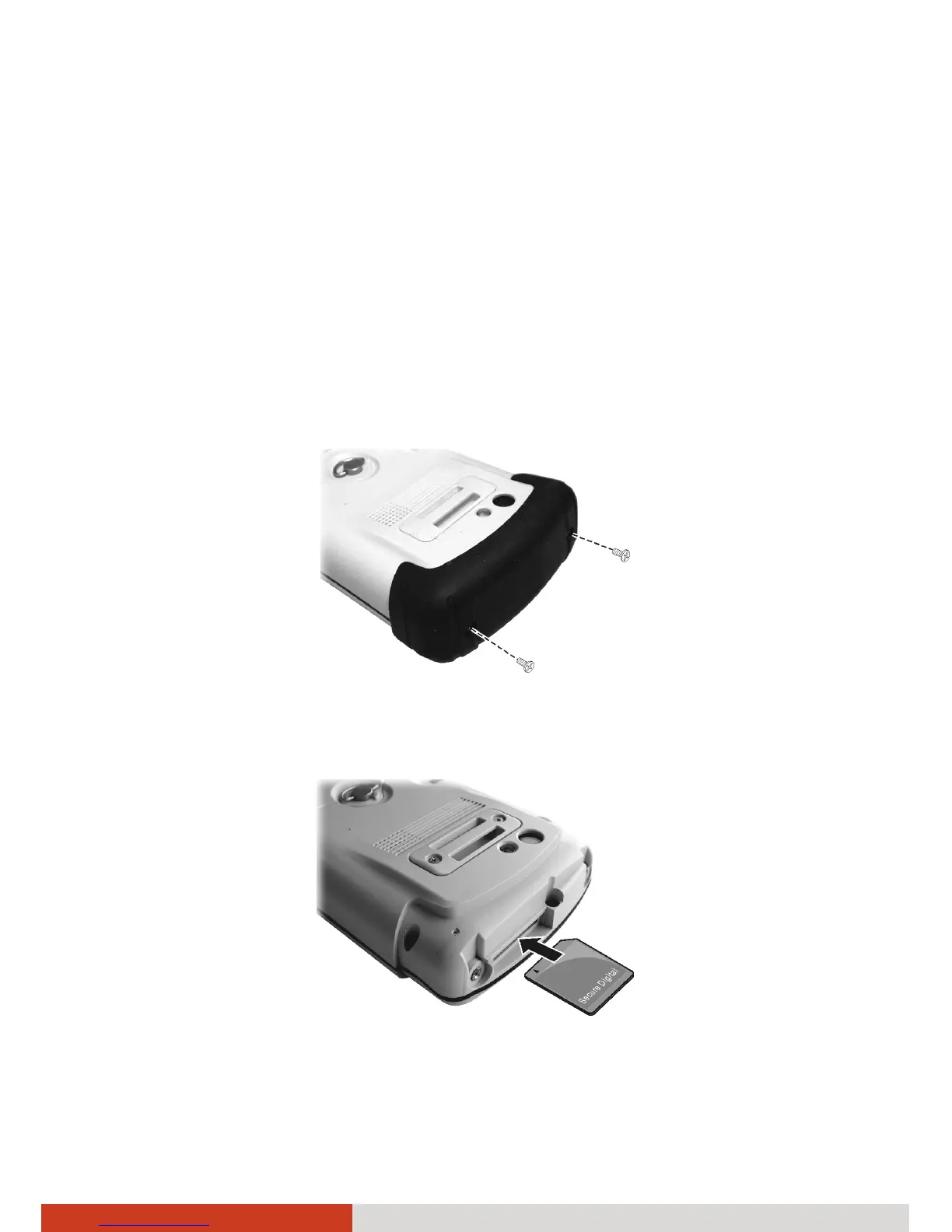
1. Remove the rubber protection cap by unfastening two screws.
2. Insert the card into the slot, with the connector pointing to the slot and
its label facing the back of the device.
3. Replace the cap and secure with the two screws. The cap is required for
the waterproof capability of your device.



 To Next Page