Multimedia 7-9
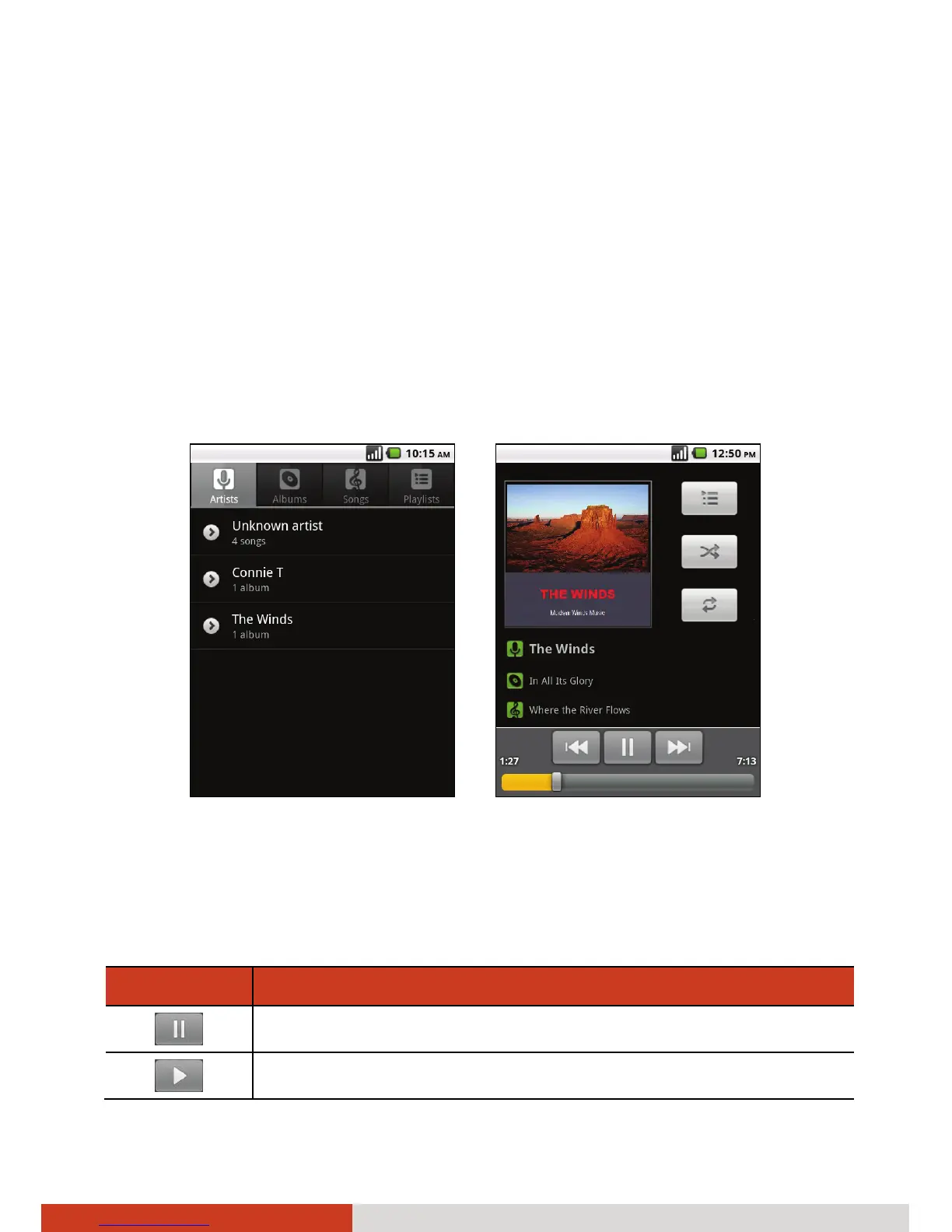
2. When the catalog is complete, the Music Library screen opens, with tabs
that you can tap to view your music library organized by Artists, Albums,
Songs, or Playlists.
3. Tap a song in your library to listen to it.
– or –
While viewing a list of tracks in an album, press the menu key on your
device and tap Play all.
4. The Playback screen opens and the song you selected or the first song in
the album or other playlist starts to play.
Library Screen Playback Screen
Playback Controls
The Playback screen contains several icons that you can tap to control the
playback of songs, albums, and playlists:
Icons Functions
Pauses playback.
Resumes playback.



 To Next Page