6-4
Web and Communications
Email
Use the Email application to read and send email from the email service
account(s) that you have.
Opening Email and the Account Screen
Opening Email
Tap the Email application icon in the Launcher (
).
The first time you open Email, a setup wizard opens to help you add an
email account; or, if an account has been set up, you will see the Accounts
screen. After the initial setup, Email opens to the last screen you were
viewing or, if you have not used Email recently, it displays the contents of
your Inbox (if you have only one account) or the Accounts screen (if you
have multiple accounts).
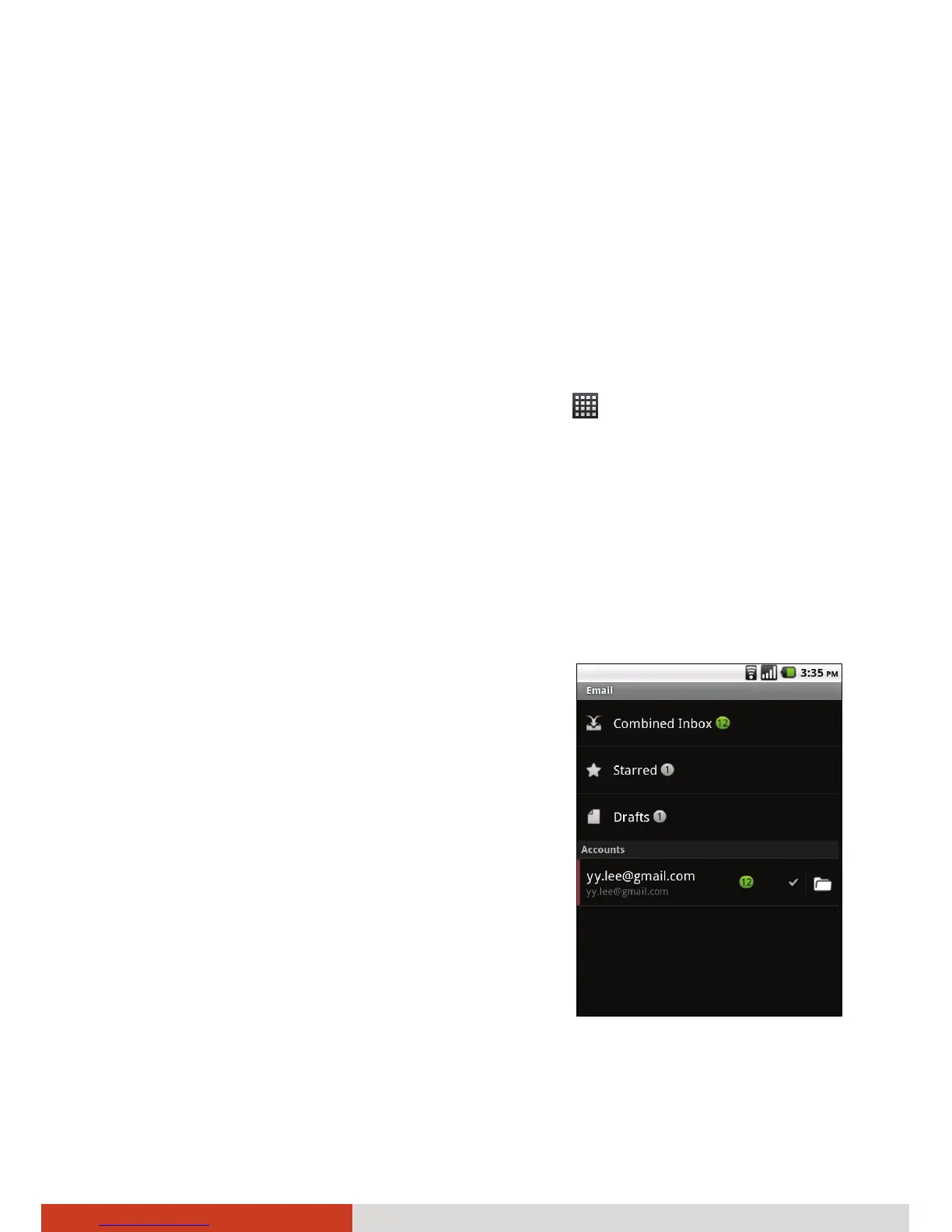
Opening the Account Screen
The Accounts screen lists your Combined
Inbox and each of your email accounts. If you
have starred, draft, or unsent messages in any
of your accounts, the folders for those items
from all accounts are displayed as well.
If you have configured Email to send and
receive email from more than one account,
you can view all messages sent to all accounts
in your Combined Inbox.
NOTE:
z You can add email accounts by pressing
the menu key on your device while in the
Accounts screen and tapping Add
account.
z To delete an existing account, tap and hold the account. In the menu
that opens, tap Remove account.



 To Next Page