5-2
Contacts and Calendar
2. Tap Import from SIM.
3. To import all, press the menu key on your device and tap Import all.
To select individual contacts to import, tap and hold the contact you
want and tap Import in the menu that opens.
Adding a Contact
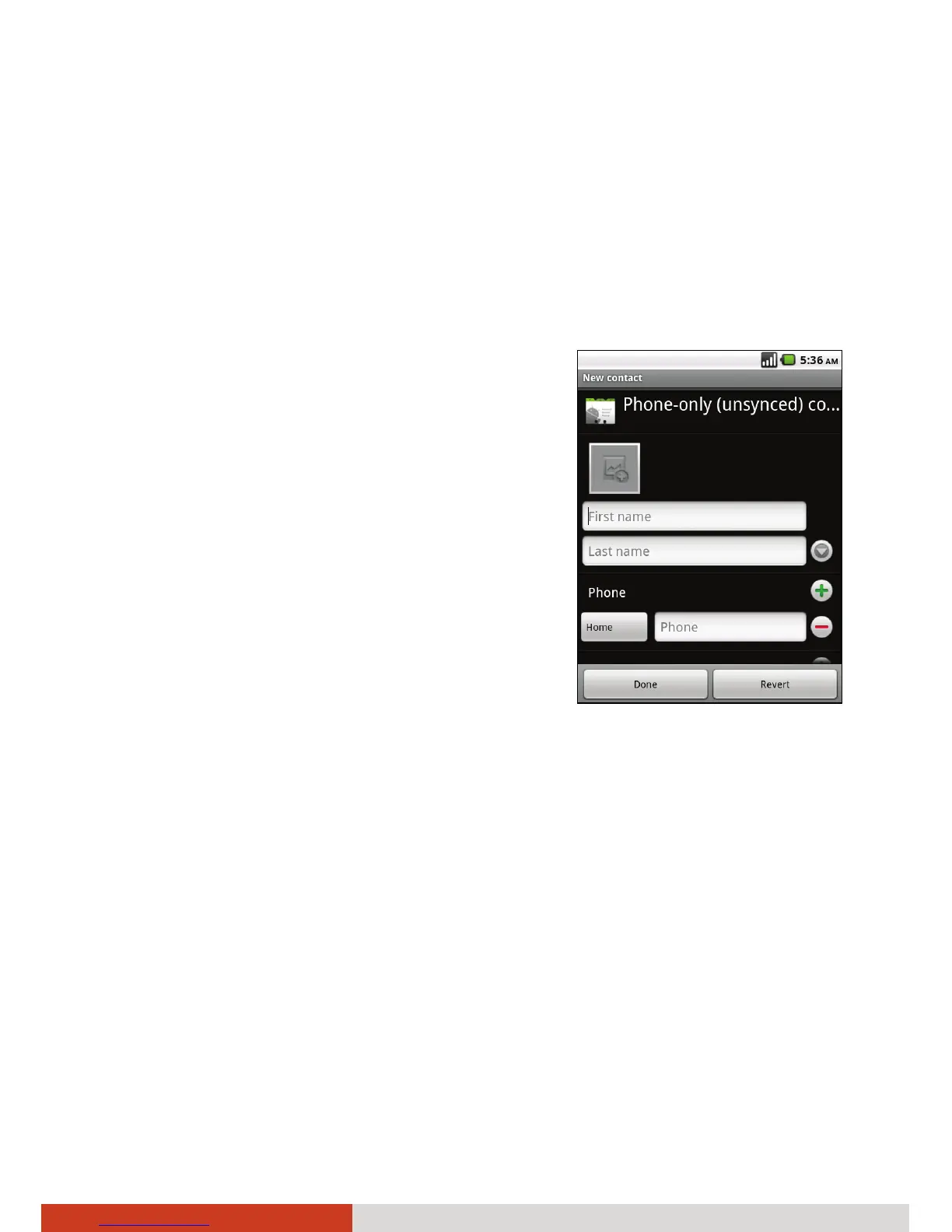
1. After opening Contacts, press the menu
key on your device and tap New contact.
2. Enter the contact’s name.
3. Tap a category of contact information,
such as phone numbers and email
addresses, to enter that kind of
information about your contact.
Scroll the page to view all categories.
4. Tap a category’s plus button to add more
than one entry for that category—for
example, to add both work and home
numbers.
Tap the button to the left of the item of contact information to open a
menu with preset labels, such as Mobile and Work for a phone number,
or tap Custom in the menu to create your own label.
5. Tap the Picture Frame icon to select a picture to display next to the name
in your lists of contacts and in other applications.
6. When you’re finished, tap Done.



 To Next Page