Multimedia 7-3
Camera Settings
While in Camera, tap the status icon for the settings you want to change.
Then tap a setting in the popup menu that opens. The popup menu closes
after a short period; you can also press the Back key on your device to close
the menu.
All changes remain effective until you change them again.
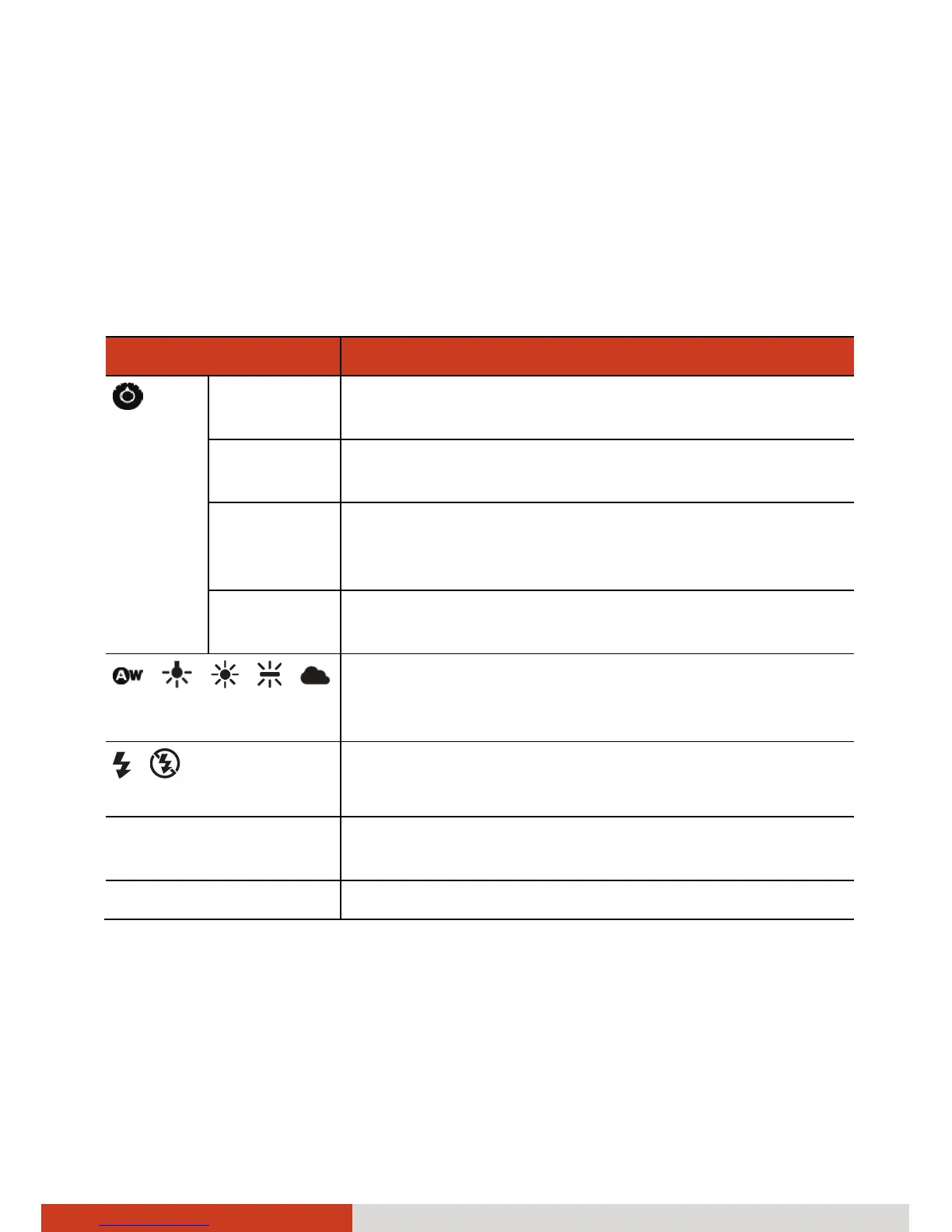
Icons and Items Descriptions
Settings
Focus mode Sets the focus to Auto, Infinity (for sharpness of
distant scenery), or Macro (for a close-up shot).
Picture size Sets the size of the picture. Choices are 3M Pixels,
2M Pixels, MP, VGA, QVGA, and QQVGA.
Flicker
mode
Sets the frequency to match the local electrical
system (50Hz or 60Hz) for flicker free shooting
under electric light.
Restore to
defaults
Restores all Camera settings to their default values.
/ / / /
White Balance
Five choices (Automatic, Incandescence, Daylight,
Fluorescence, and Cloudy) from which you can
select one that matches the current light source.
/
Flash mode
Set to On to add extra light for shooting in a dark
place or set to Off.
Zoom Available choices depend on the current resolution
setting.
Contrast Adjust the contrast in the range of +4 to -4.



 To Next Page