3. If you want to turn off call completion for this call, press / .
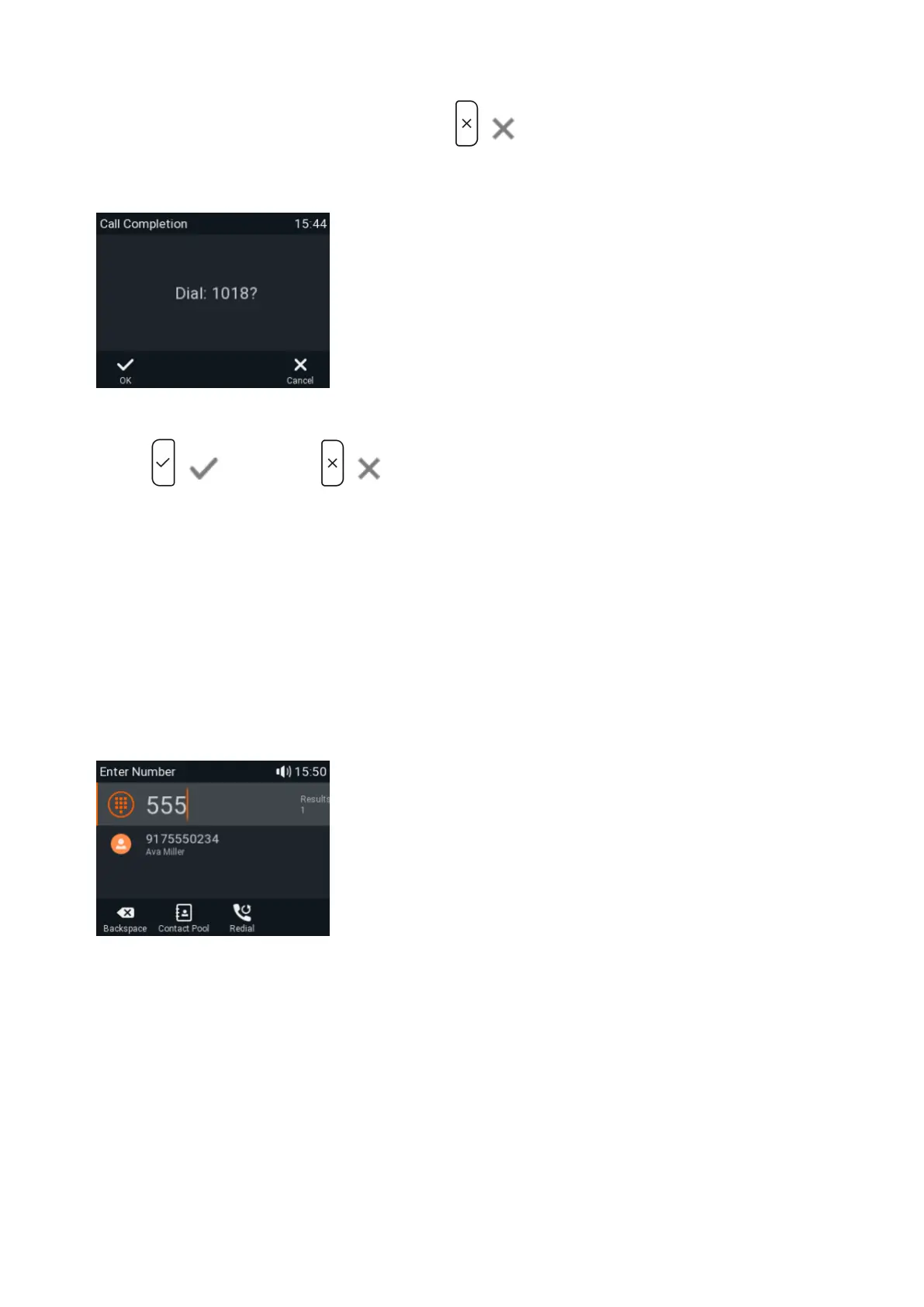
When the number becomes available, you will see it announced on the display (Fig. 4) and hear a double beep if you
are in a call.
4. Press / to dial, or press / to turn off call completion for this call.
QuickLookUp (number guessing / auto completion)
When the function is enabled, the phone proposes numbers containing the typed string from the numbers saved on
its call lists and in the directory as soon as you have typed the minimum number of digits. If there is more than match,
select with / on the navigation key and press to dial.
The default setting is enabled, and the minimum number of characters that must be entered before QuickLookup
starts looking for matches is three.
Changing the minimum number of characters or turning the function off: See "QuickLookUp (number guessing / auto
completion)".
In the following example, the minimum number of characters is three.














 To Next Page