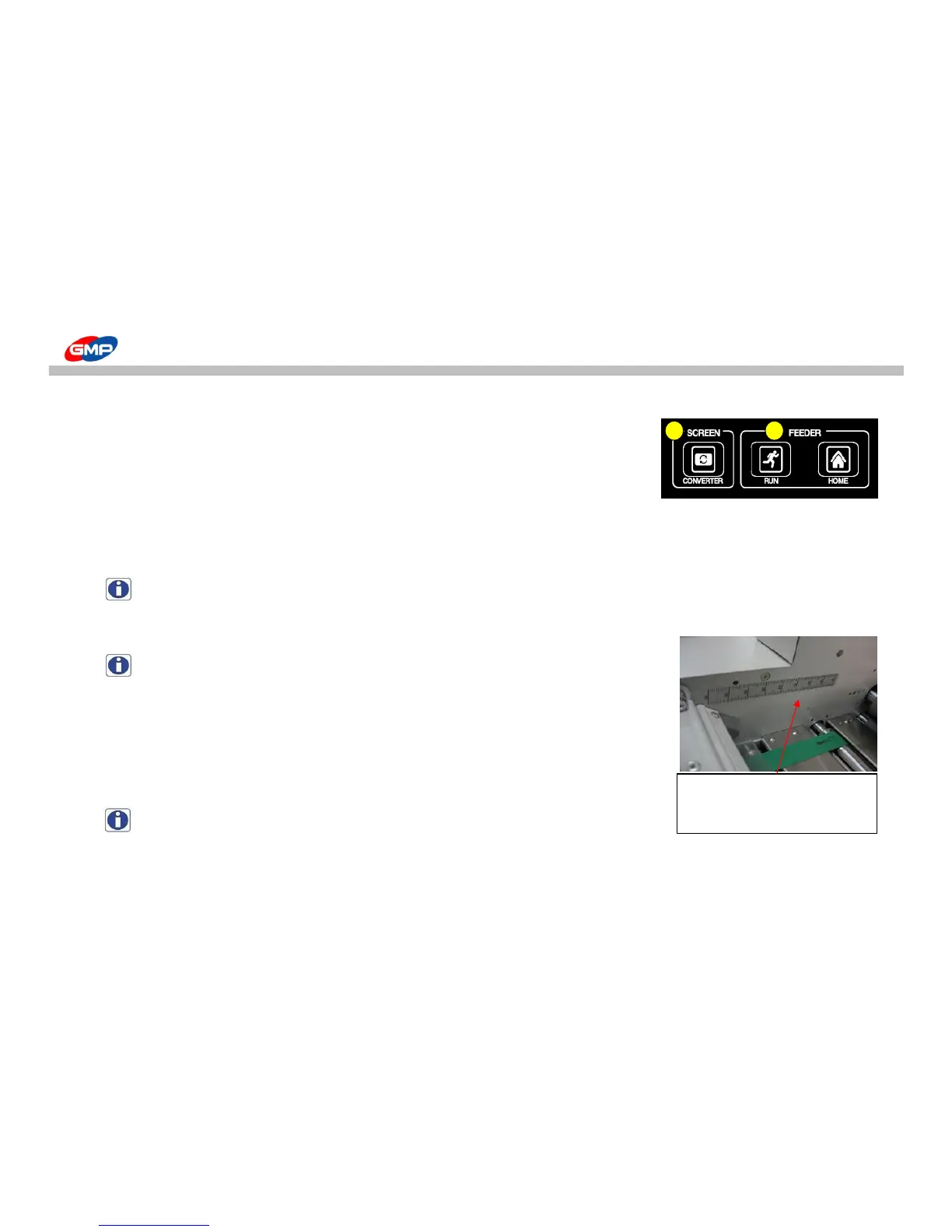
It is to change the LCD screen mode showing the laminating status.
If pressing the button, the screen is converted into the main screen, sub screen1, sub screen2.
C. FEEDER
"RUN" :
it is to operate or stop VACUUM PUMP manually.
If pressing the button, the vacuum pump is activated under ON state. One more press put the operation in OFF position.
NOTE : In the normal laminating state, the vacuum pump maintains the ON state when we could press"RUN" to put it in OFF state.
"HOME" : It is to put the feeder on the home position(feeding ready state).
If pressing the button, the feeder goes to the home position.
NOTE : the feeding table doesn't go up if the feeder is not in the home position.
D. BURST
"POSITION" :
It is to change the bursting position. Bursting position setting range is "580~660"mm.
- Bursting Position Setting : After pressing the button, set the bursting position
by using UP/DOWN buttons. 5 seconds later, the input data is saved automatically.
NOTE : According to the substrate's characteristics, thickness, decuring's height
and laminating speed, the bursting timing could be changed.
Do adjust the position by checking the bursting status. Normal span of position ranges from 610 to 620
When setting the bursting roller
position, use the scale attached
to the machine.



 To Next Page