"JOB" :
It is to change Job mode. There are 13 kinds of JOB modes.
- JOB mode selection : after the button is pressed, select the job mode desired according to the film kinds.
It is possible that the user input the data of temperature, paper length, bursting position. 5 seconds later, the input data is saved automatically.
NOTE : [Fatory Setting Progress]
- in "Poly-L" Mode, if pressing "SPEED" and "STOP" buttons together the input data get back to the factory setting value.
"LENGTH" :
To set up the substrate length. Substrate length setting range is "254 ~ 800"mm.
- Substrate's length setting : after the button is pressed, set the length by using UP/DOWN button.
5 seconds later, the input data is saved automatically.
NOTE : This machine is the way of 'UNDERLAP'feeding, so, the paper length should be set about 3~5 smaller
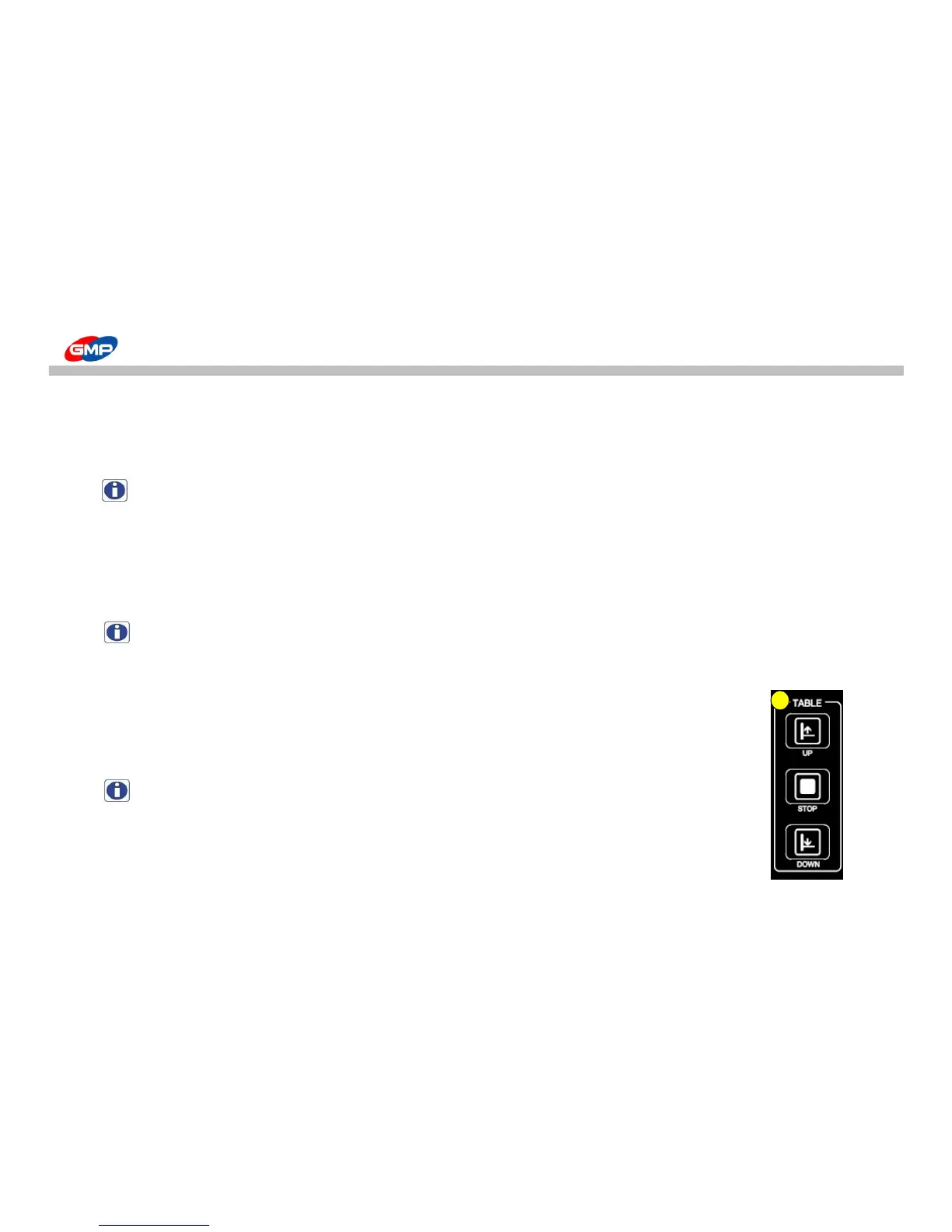
It is to make the feeding table up, down and stop.
If pressing "TABLE UP" button, the feeding table goes up as long as the button is touched.
If pressing "TABLE DOWN", the feeding table goes down, but it stops if pressing "TABLE STOP".
NOTE : The feeding table doesn't go up if it is not in the feeding ready state.
-> By selecting "FEEDER HOME" menu, put the feeding table in the ready state(home position).
G. "LCD"
LCD shows the current setting for Laminator. If the power is on to the machine and it is turned on,
LCD screen becomes lit on. For more detailed information, refer to "Description on Display".



 To Next Page