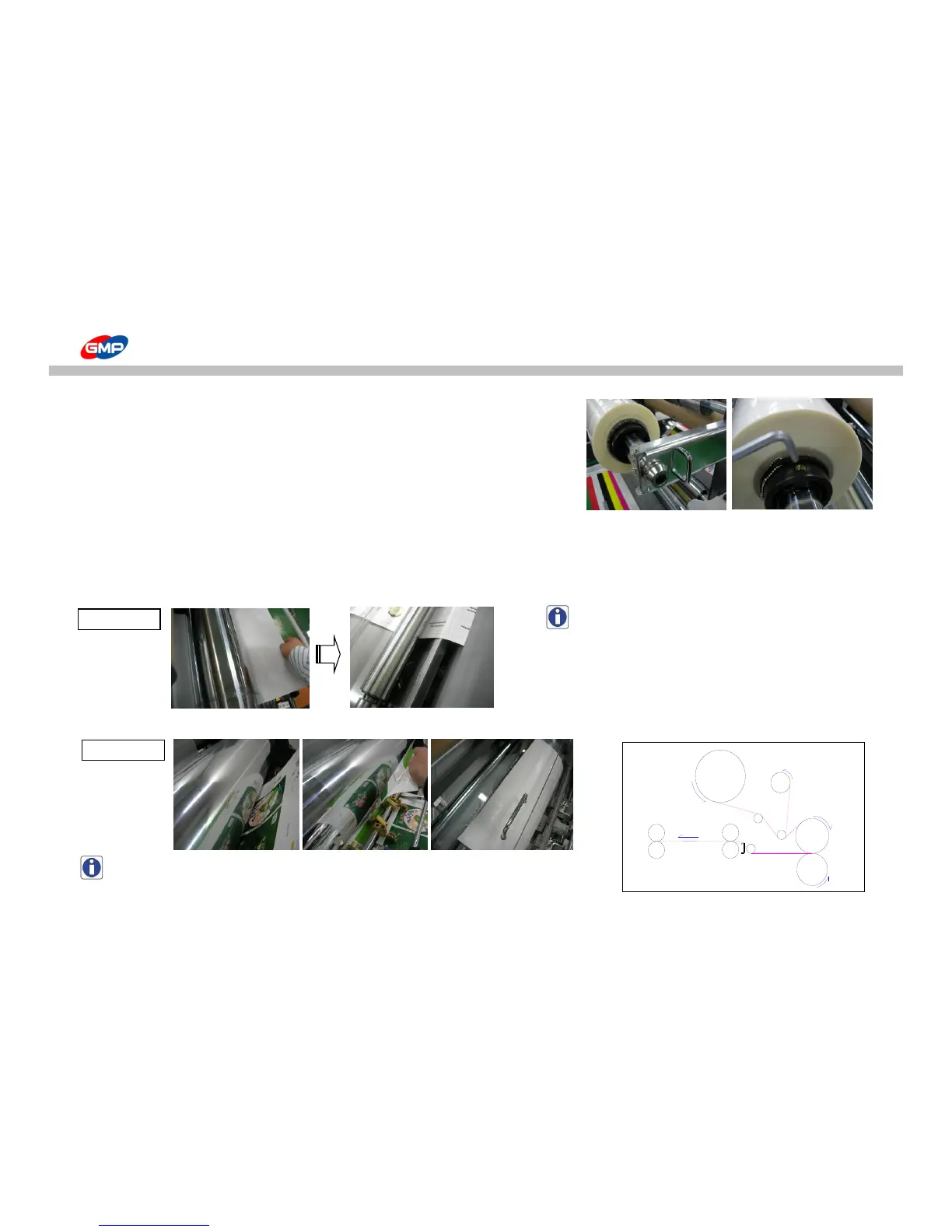
Procedure
1) Remove the Film Shaft Holder Fixing Pin.
2) Pull the Film Shaft Holder.
3) Insert or Remove film roll into or from Film Shaft.
Use 5~10mm short width films than substrate.
If the film width would be wider than substrate, this could be a cause of contamination on roller / of cutting error.
2. Insert a substrate for loading from the laminating roller till the pull roller.
NOTE : substrate must be passed the decurler.
3. As the adhesive on film is melted, stick a substrate on the adhesive side of film and install the safety cover as the picture <1_7>.
NOTE : Refer to the right picture of web diagram.
4. Ready for Lamination.



 To Next Page