113
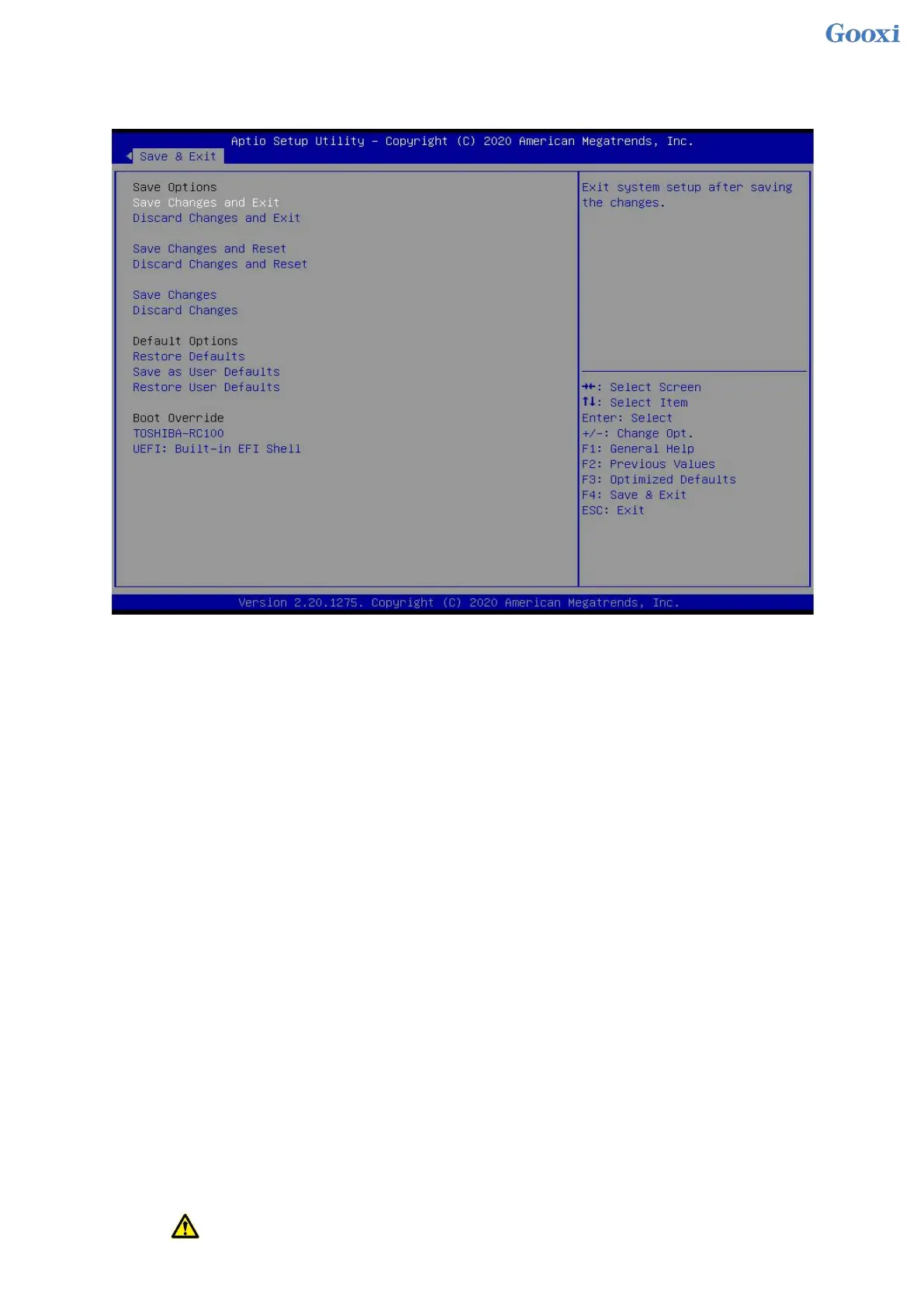
5.2.48 Save & Exit menu
Figure 5- 51
Save Changes and Exit
Save the settings and exit the BIOS setup menu;
Discard Changes and Exit
Abandon saving settings and exit BIOS setup menu;
Save Changes and Reset
Save the settings and restart the system;
Discard Changes and Reset
Give up saving the settings and restart the system;
Save Changes
Discard Changes
Restore Defaults
Save as user Defaults
Restore user Defaults
Boot Override
A list of startup options, where a startup option can be selected.
5.3 User Operation Reminder
1. With option, when user operation is required, understand the operation specification in detail.


 To Next Page
 Loading...






