199
viewed.
FRU information
Select this menu to view basic FRU information.
Logs & Reports
In this menu, you can view the IPMI time log, audit log and video log.
Settings
BMC can be configured in this menu. Including BSOD, date & time, network, etc...
Remote control
On this page, KVM, SOL can be started, and power control and UID (server logo light) control can
also be performed.
Image redirection
On this page, you can get the latest image file on the remote storage device.
Maintenance
You can perform basic maintenance operations on the server, such as BMC firmware update, BIOS
firmware update.
Sign out
Click to log out the current user's login.
7.2.4 Introduction to KVM Remote Management
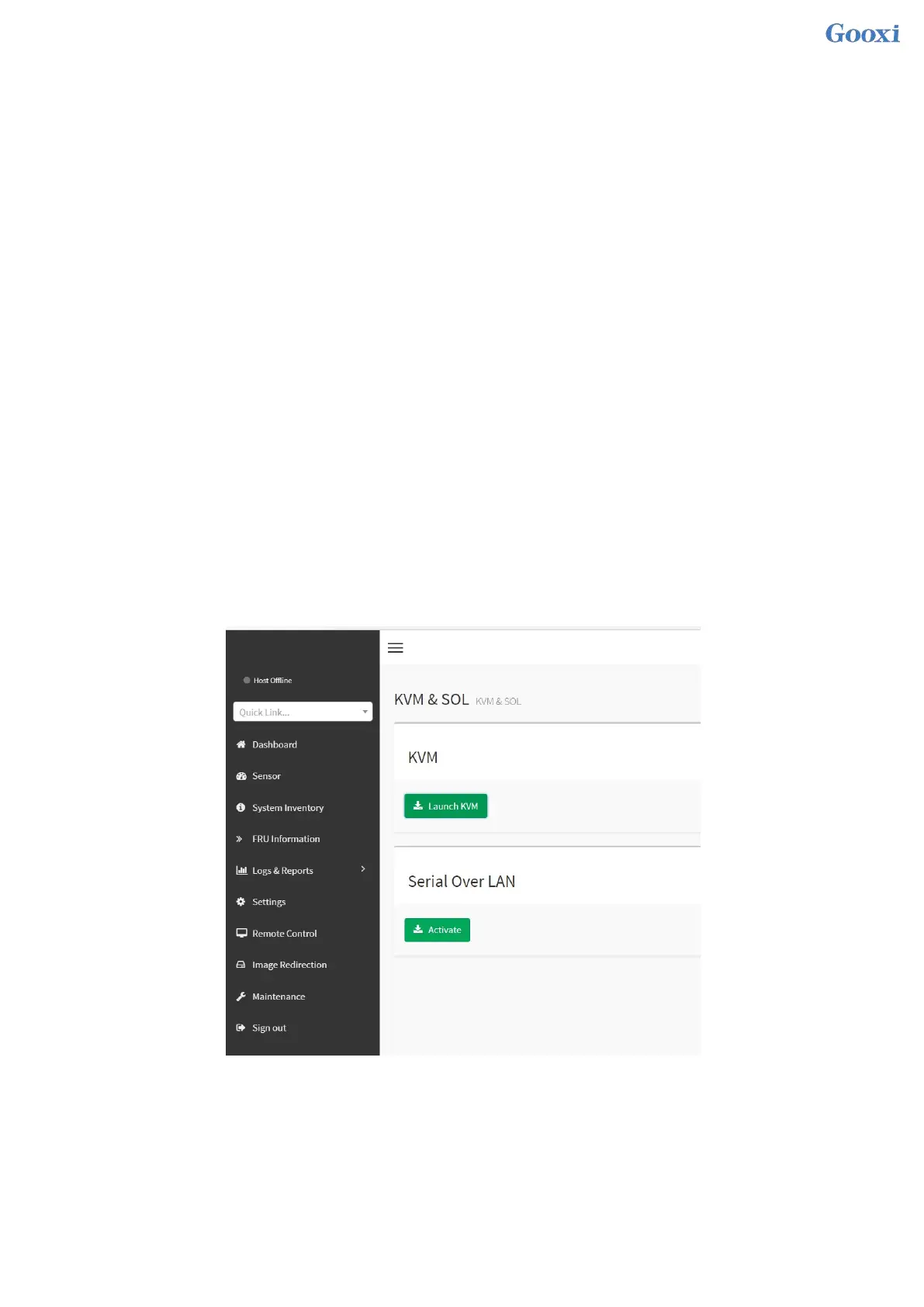
Start KVM remote management
As shown in Figure 7-11, in Remote Control > KVM & Java SOL Remote Control menu, KVM can be
started.
Figure 7-11 Start KVM
7.2.5 KVM page introduction
As shown in Figure 7-12, it is the KVM interface after KVM is started.


 To Next Page
 Loading...






