128
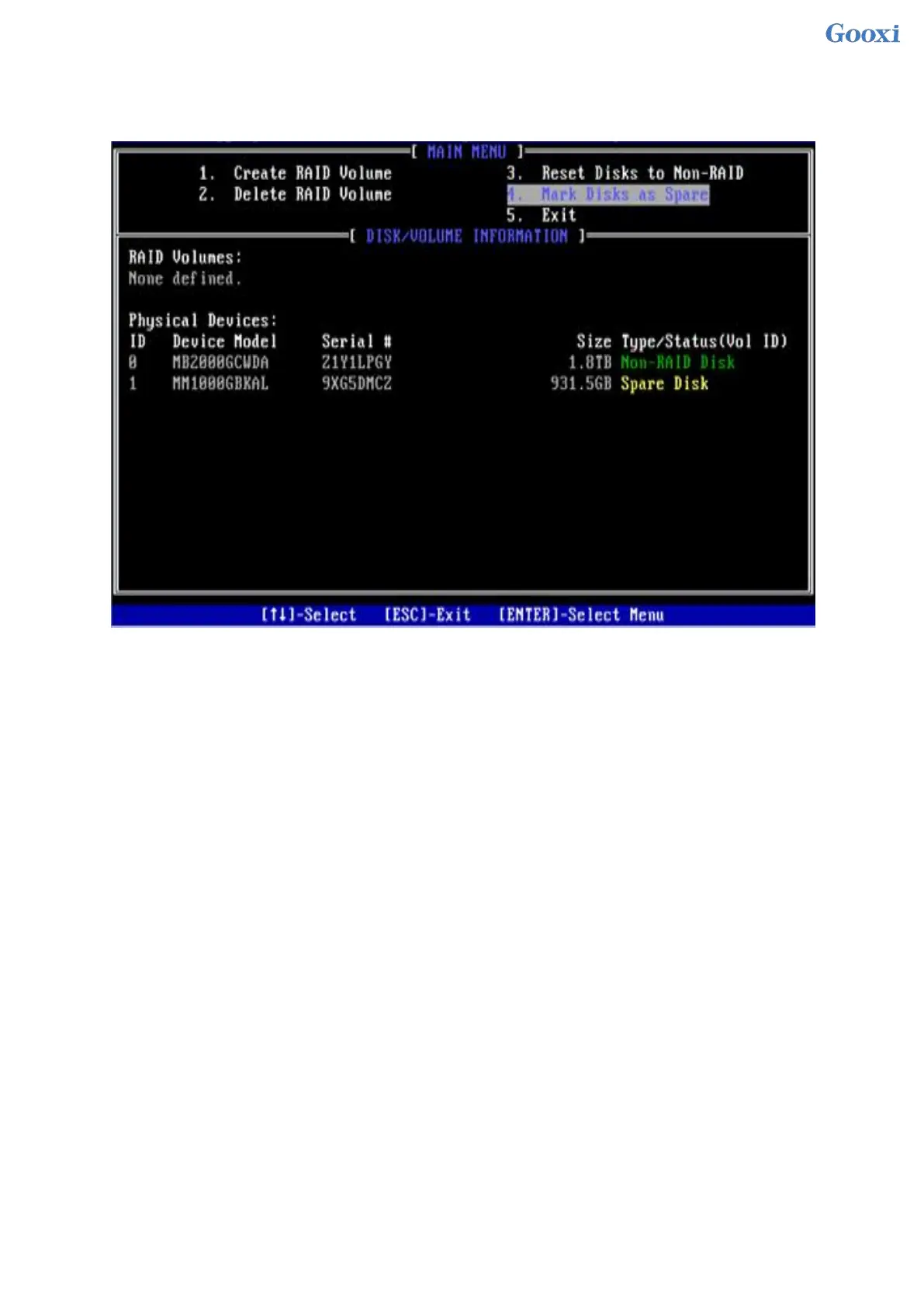
4. On the RSTe configuration interface, you can view the hot spare disk information, as shown in Figure
6-22.
Figure 6-22 Viewing hot spare disk information on the RSTe configuration interface
Figure 6- 22
Delete RAID:
1. Enter the RSTe configuration interface.
2. As shown in Figure 6-23, select Delete RAID Volume on the RSTe configuration interface, and press
Enter.
Figure 6-23 RSTe configuration interface


 To Next Page
 Loading...






