202
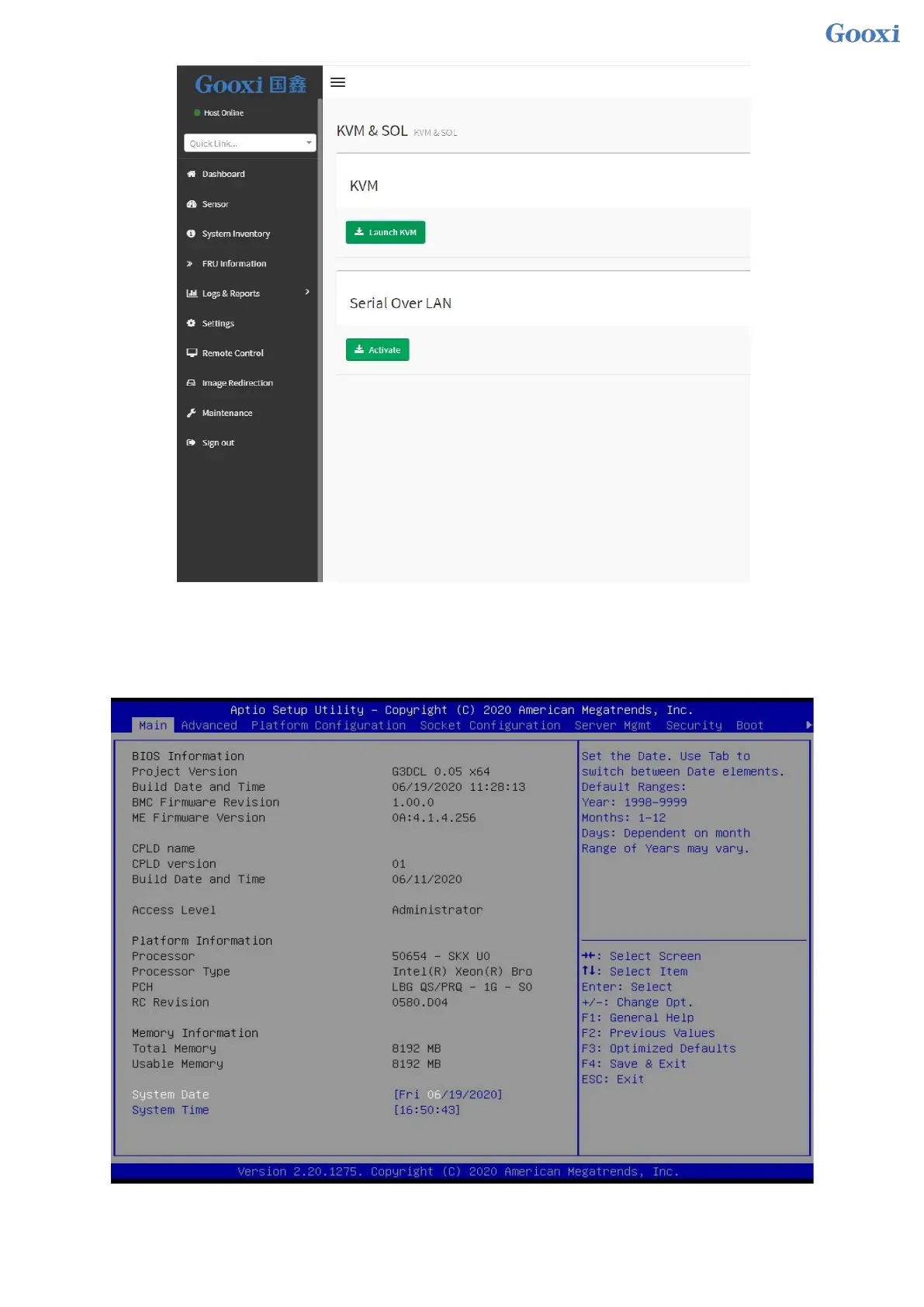
Figure 7-14 Enabling Java SOL
1. After clicking to activate, the SOL interface shown in Figure 7-15 will appear.
2. Press Enter to activate the screen.
Figure 7-15 SOL operation interface
Note: The SOL interface operation function has only been tested for BIOS screen synchronization, and


 To Next Page
 Loading...






