Connections - Installation
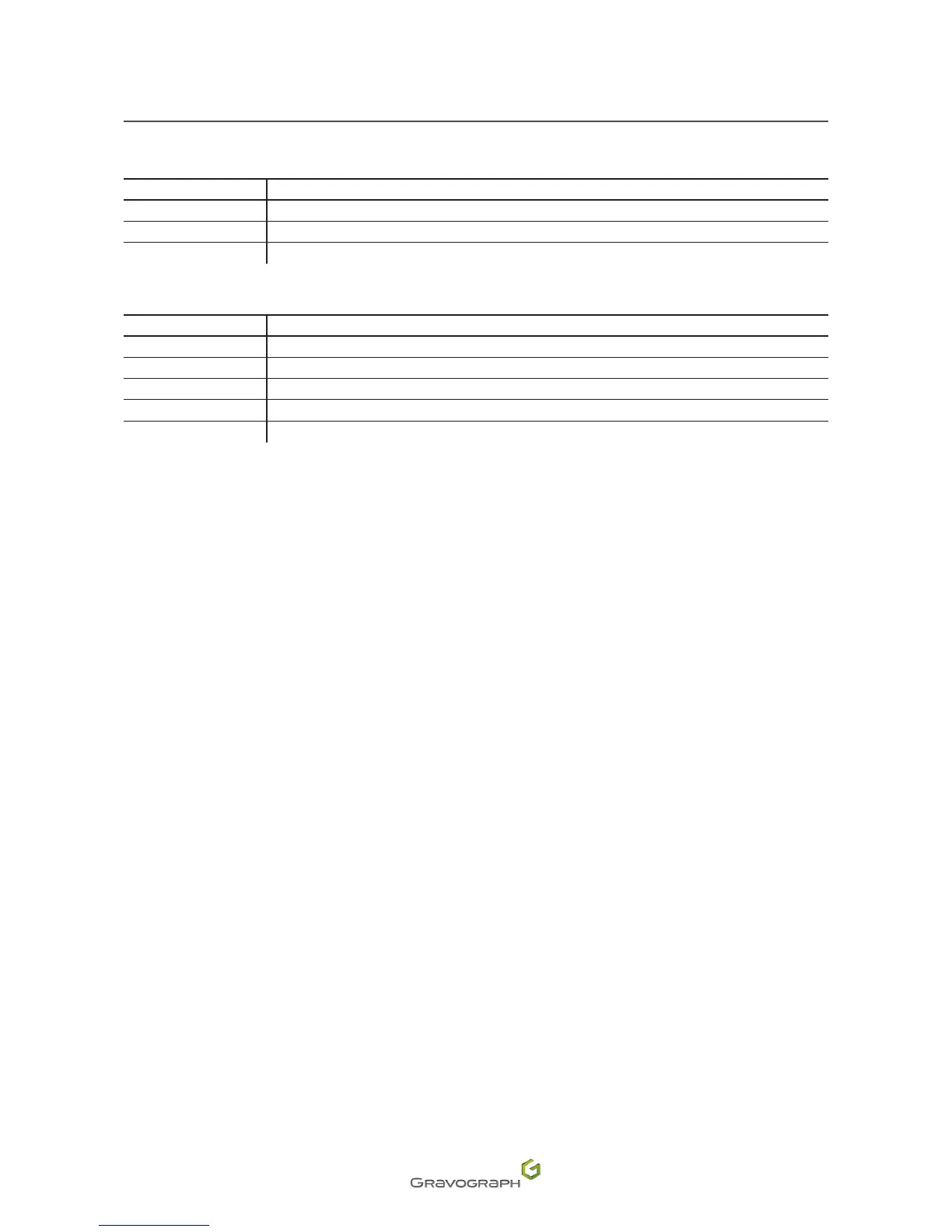
• Theinputscanactivatevariousfunctionsaccordingtotheirconguration:
Function Description
1
Startmarking
2 Pause
3 Return to origin (0,0)
• Theoutputscanbeactivatedaccordingtotheirconguration:
Function Description
1 Spindle in operation
2 Machine paused
3 Machine at the origin (0,0)
4 Tool in the lowered position (in the material)
10 Spindle stopped
Example:
OUT1 = 2: the 1 (Pin 1) output is activated when the machine is paused.
IN2 = 3: the machine returns to the origin when the input 2 (Pin 14) receives a pulse.
2. Machine / PC connection
ThemachineinstallationandusageprocedureisbasedonaPC-typecomputerrunningWindows®.Forhelp,
contact Gravotech.
1. SwitchothePCandthemachine.
2. Follow the connection procedure for the type of link cable supplied with the machine.
The machine is supplied with a USB cable.
Machine / PC connection (USB connection)
1. Connect the USB cable to the machine's USB port.
2. Connect the USB cable to the PC's USB port.












 To Next Page