J. Using the machine
1. Transfer of the composition to the machine
1. Switch on the machine.
2. Select:
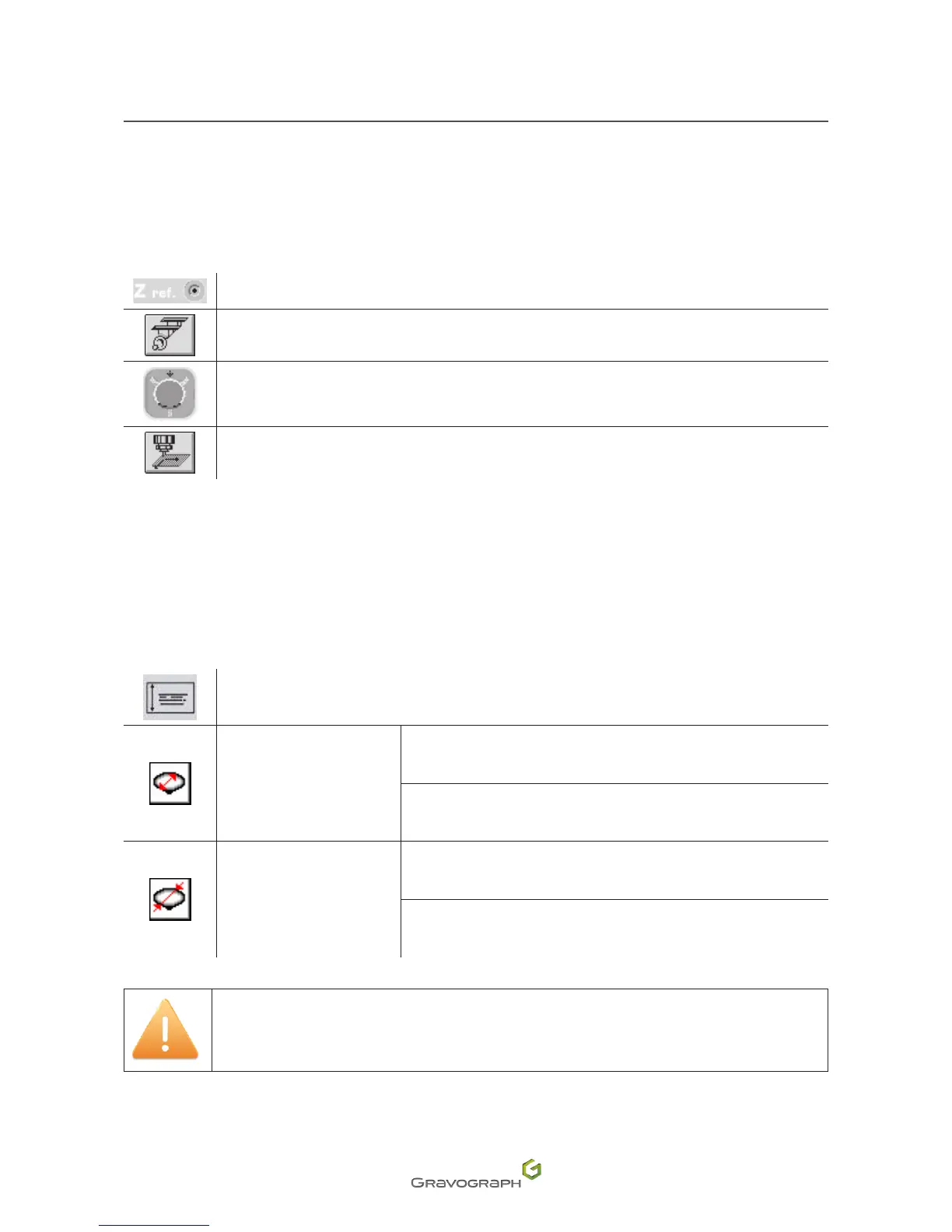
ZRef auto function
Center origin - engraving with vice
Center origin - wedding ring engraving
(M20 JEWEL)
Floating origin - Point and Shoot function
3. From the program, transfer the composition to the machine.
M20 JEWEL: engraving parameters - wedding ring engraving
Enter the data below:
Width
Inside engraving
Internal diameter:
12.5 mm (0.492 in) - 24 mm (0.945 in)
Width (maximum):
9 mm (0.354 in)
Outside engraving
External diameter:
12.5 mm (0.492 in) - 27 mm (1.063 in)
Width (maximum): 18 mm (0.709 in)
For good engraving quality on wedding rings, limit the engraving speed to 5 mm
(0.197 in)/s.












 To Next Page