Using the machine
4. Mounting the cutter on the tool holder (function not available for the M20 PIX
machine)
Because the tool is sharp, use personal protective equipment when handling it.
It is advisable to have as many cutter buttons as you have cutters, so that they can be left assembled
andthesettingssavedifnecessary(materialsofthesamethickness).Savethecongurationandthe
ZRef.
1. Afteradjustingthespindlepressureand/ormountingtheregulatingnose,pressthe"Check"key
on the machine.
The tool holder is lowered until the depth regulating nose touches the plate to be engraved.
Thefollowingmessageisdisplayed:
2. Open the machine protection cover.
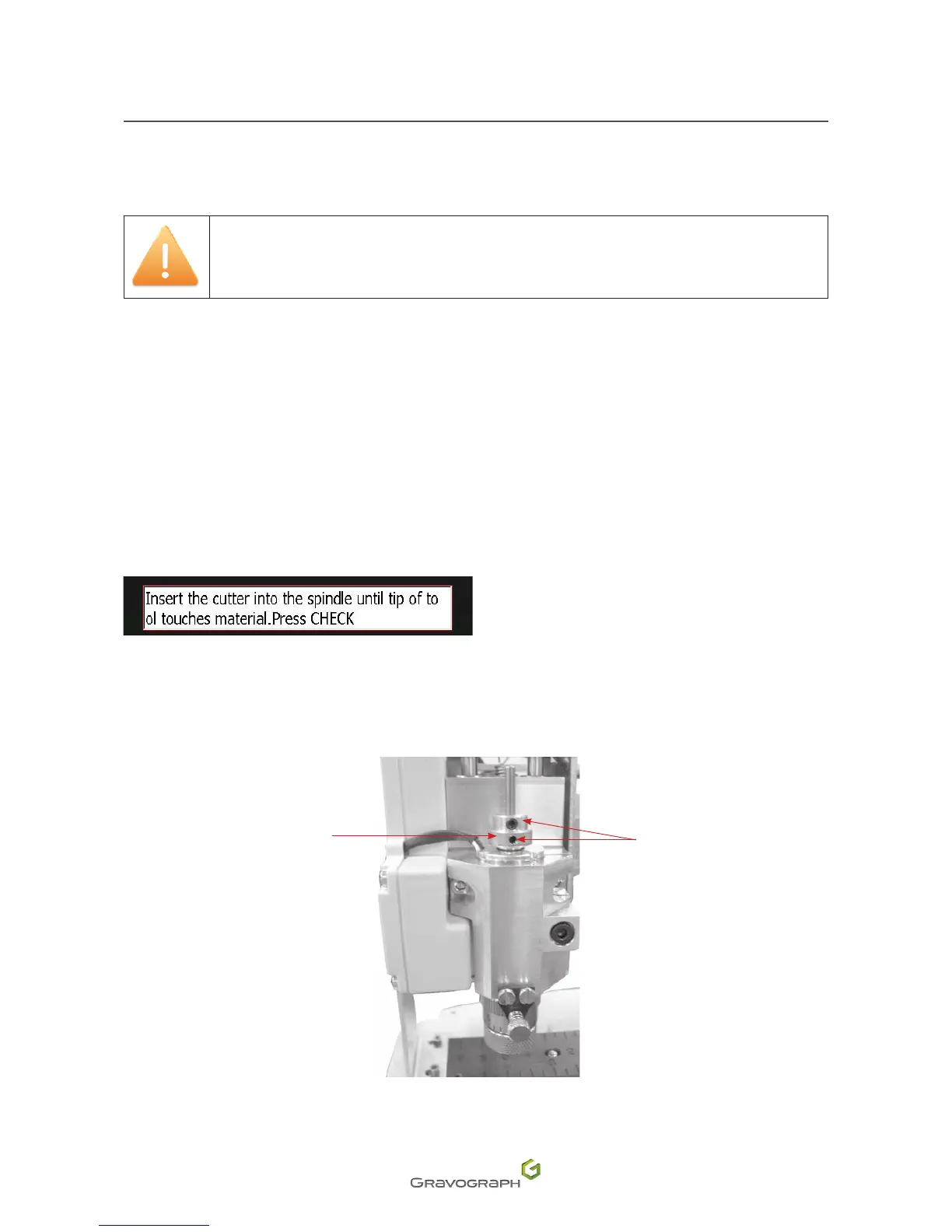
3. Placeinpositionandscrewthecutterbuttontothespindleusingthefollowingwrench:
- allenkey(1.5mm(0.059in))
1.
Cutter button(s)
2.
Screw
1
2












 To Next Page