Connections - Installation
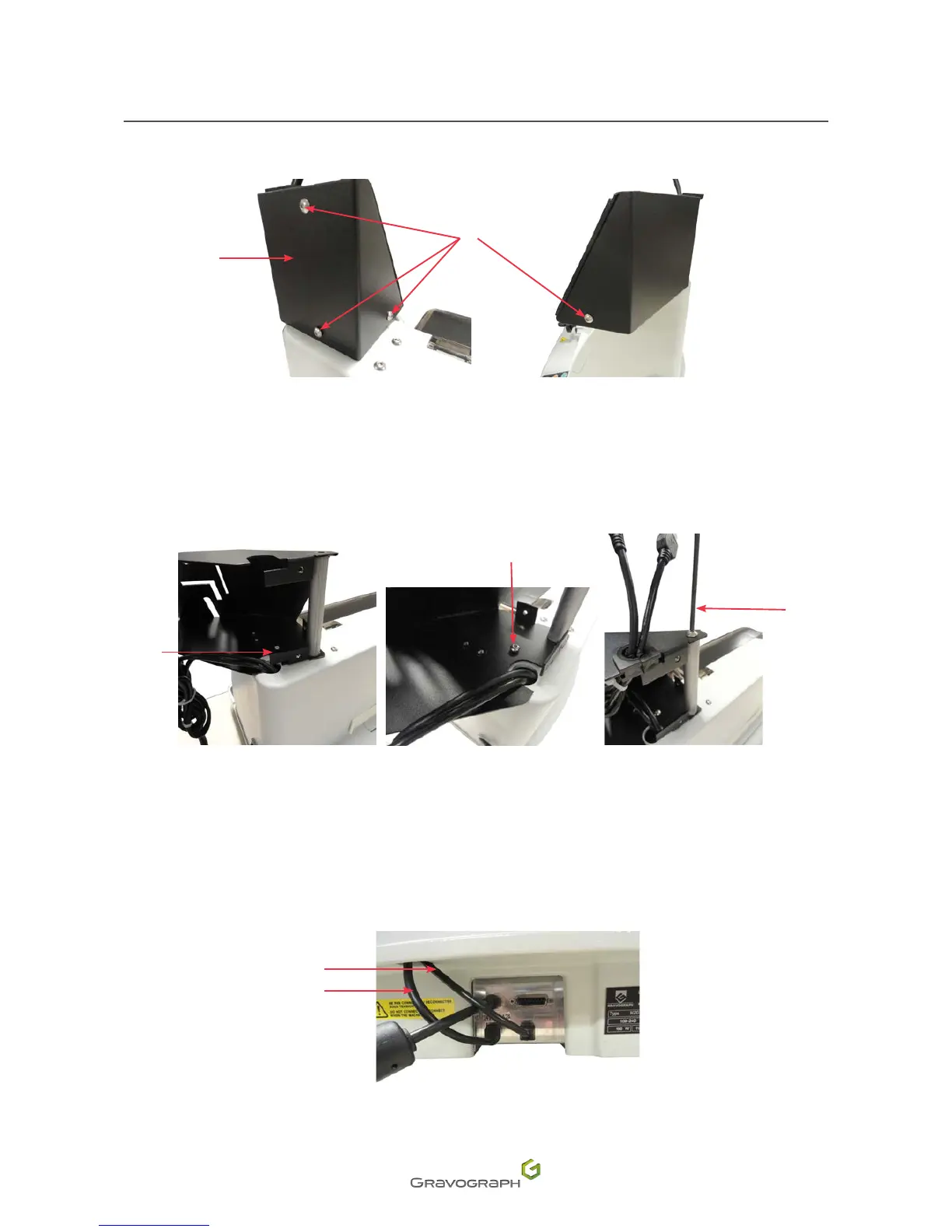
4. Remove the 4 screws and the cover from the mount Touch Pad.
2
1
1.
Cover
2.
Screw
5. Position the mount on the shaft mounted on the machine. Orient the mount in line with the mounting
hole. Tighten the mounting hole/shaft screw.
1
2
3
1.
Fastening holes
2.
Screw
3.
Shaft
6. Replace the cover. Mount with the 4 screws.
7. Connect the Touch Pad connection and power supply leads at the back of the machine.
1
2
1.
CCU/USB connection cable
2.
Power cable












 To Next Page