Preventive maintenance
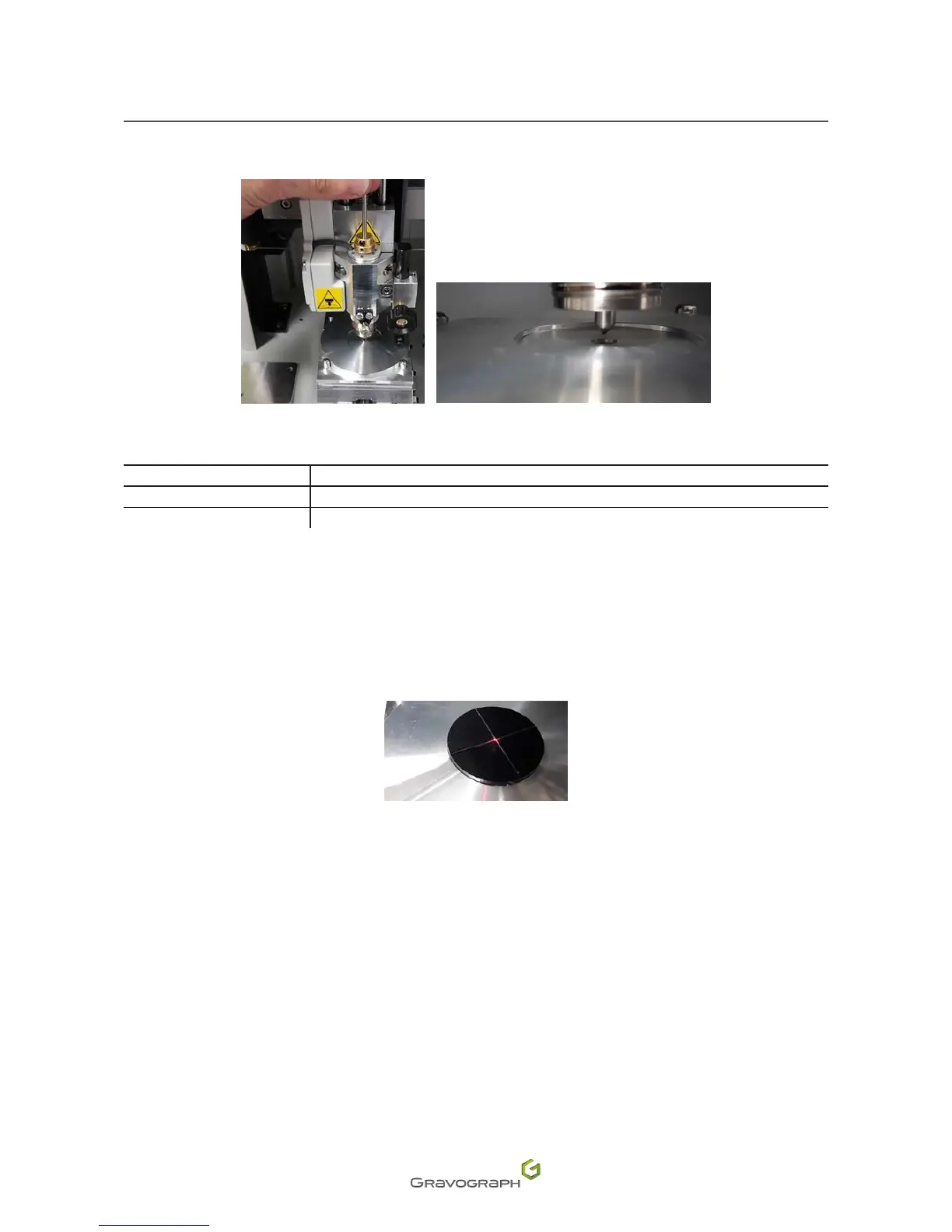
4. Place the tool in the spindle. This must slide easily into the centering washer.
Ifnot,removethetoolandadjustthepositionofthetoolholderusingthejoystick:
Zero point axis Control panel
Y Up - Down arrows
X Left arrow - Right arrow
5. Removethetoolfromthespindleoncetheadjustmentiscomplete.
6. StorethepositionoftheXYzeropointbypressingthe"Check"keyfor3seconds.Themachine
emits an audible signal.
Thetoolholdermovestothecenteroftheviceinordertosetthezeropointofthediode.Itmustmatchthezero
point hole in the centering washer.
7. SetthediodezeropointintheXaxisofthemachineusingthefollowingkeys:Leftarrow-Right
arrow.
8. StorethepositionoftheXdiodezeropointbypressingthe"Check"keyfor3seconds.Themachine
emits an audible signal.












 To Next Page