User Manual
19
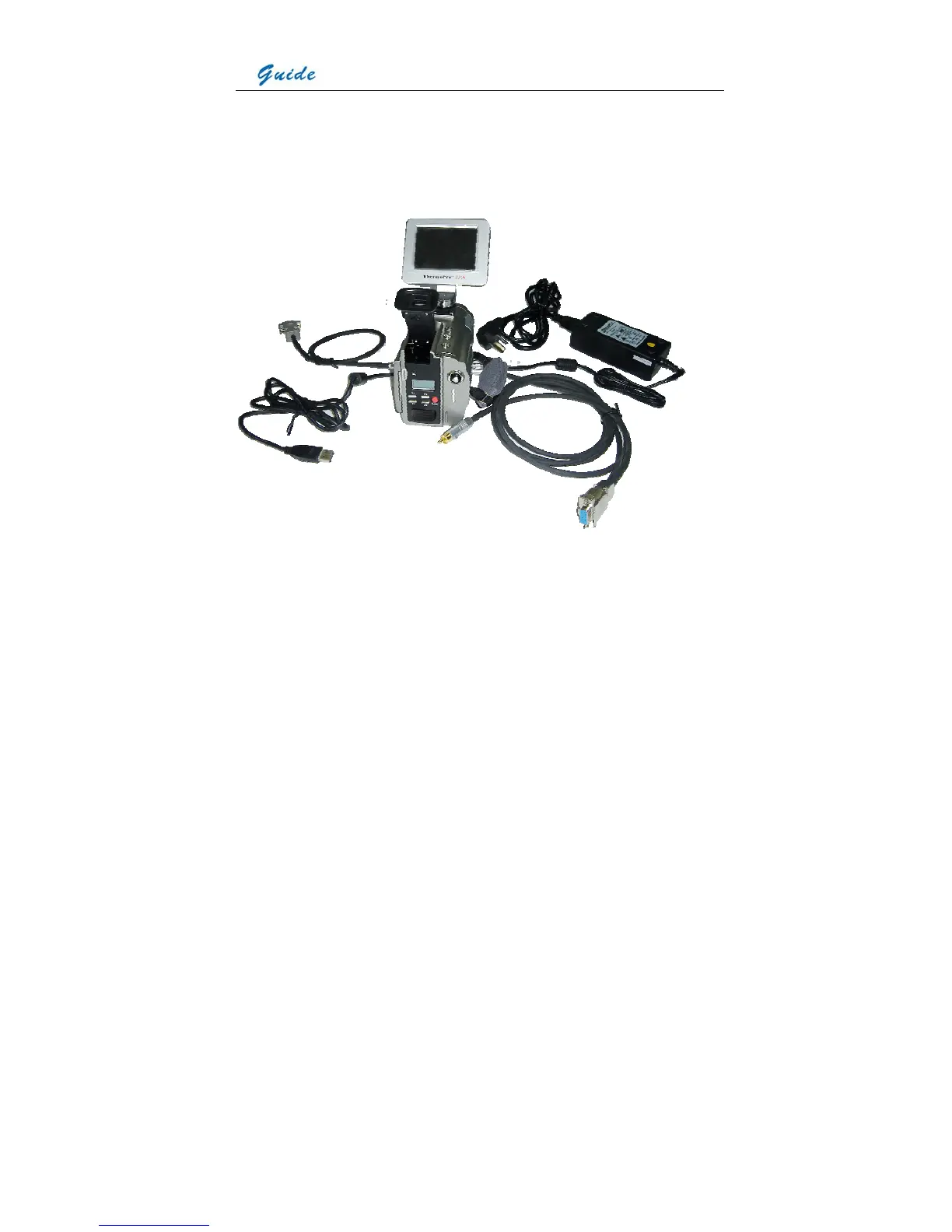
AC adapter and cable: Interfaces from the top down are respectively: Interface to be inserted
to the power interface on camera, plug to be connected to a socket or wall outlet
Camera with cables: from the top down and from left to right, the camera is connected with
VGA cable, USB extension cable, AC adapter cable and RS232/ TV video cable.
• If connecting the VGA cable and the video interface of RS232/ TV video cable to
corresponding devices, such as a VGA display device and a TV video display device, you
can view the live video taken by the camera simultaneously on VGA LCD touch screen,
OLED viewfinder, the VGA display device and the TV video display device.
• If connecting the RS232 interface of RS232/ TV video cable to a PC with RS232
communication port, you can view the live video on the video display device and
meanwhile control the camera on PC via RS232 communication protocol.



 To Next Page