User Manual
55
• In live or zoomed images, the line profile and temperatures will change in real time as the
image changes.
• Press button C to exit and return to the live or frozen or save image.
Note: For a horizontal line, the coordinate system for its profile will always be horizontal.
For a vertical line, the coordinate system for its profile will always be vertical. In other words,
switching between horizontal and vertical coordinate systems is not available for horizontal or
vertical lines.
Area Analysis
• Area Analysis can be performed on live or zoomed or frozen or saved images.
• In live or zoomed images, bring up the main menu, select option Area under submenu File
either by the touch pen or by pressing the joystick
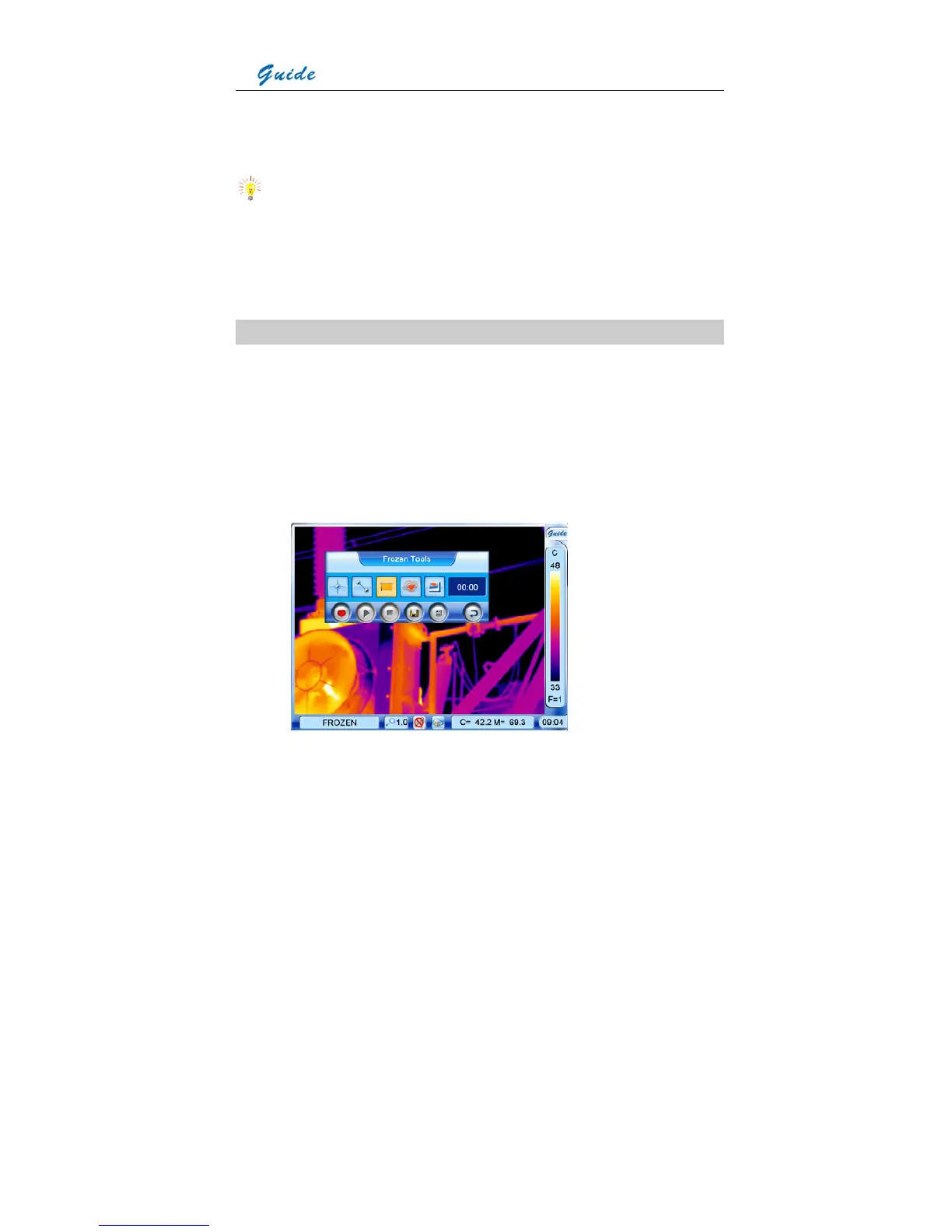
• In frozen images, bring up the frozen toolbar with the touch pen or joystick. Click the icon
Area analysis with the touch pen to select it. Or move the joystick to highlight the icon
Area analysis first and then press the joystick to select it.
• In saved images, area analysis can be done when the images are replayed. Bring up the



 To Next Page