User Manual
65
Storage here or click the icon shown in the memory media bar under the image screen.
• Y/M/D: To set date for the camera. After setup, date of the camera will automatically
update.
• H/M/S: To set time for the camera. After setup, time of the camera will automatically
update.
• Choose button OK or press the joystick directly to save the change; choose button Cancel
or press button C directly to cancel change. Then the dialog box will be closed and the
original image status will be resumed.
Option Function
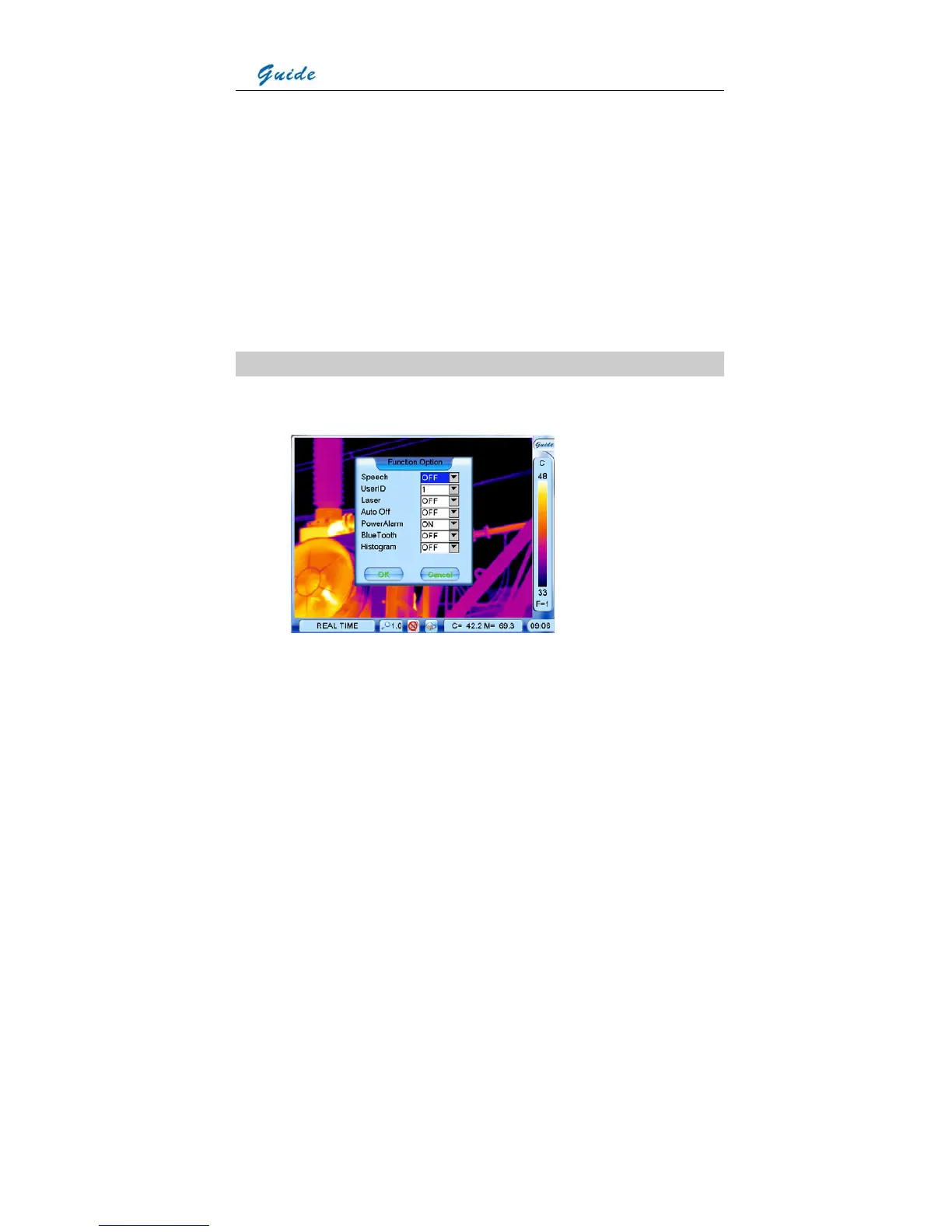
• Click option Function with the touch pen or press the joystick to select it. Then the
Function dialog box appears on the screen
• Clicking each option box with the touch pen or pressing button S can toggle between the
options. Clicking each value respectively with the touch pen or moving the joystick up or
down can alter values of the option.
• Speech: To activate or inactivate the auto speech recognition function. Or you can directly



 To Next Page