User Manual
24
• Now charging starts. While charging, the battery level symbol will be rolling in the status
display screen. Once the battery is fully charged, the symbol will become steady.
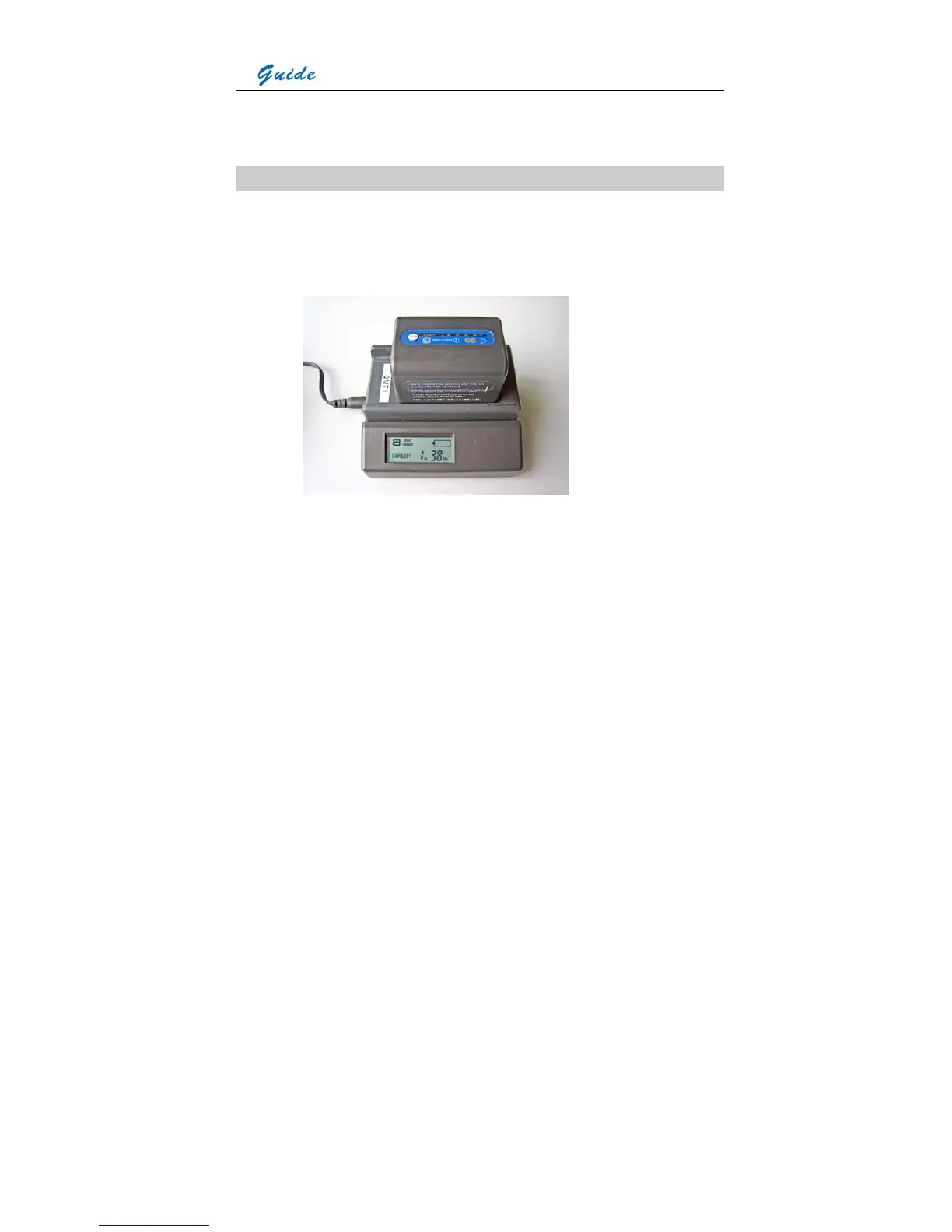
Charging in an external battery charger
• Insert the battery into the battery charger. This is done by aligning the end surface of the
battery pack to the edge of the terminal shutter of this unit, then fitting and sliding the
battery packing in the direction of the arrow.
• Connect the charger to a wall outlet or socket
• The battery charger will utter an audible sound to indicate charging start and the battery
level symbol will flash in its LCD screen. Besides the battery level symbol, its LCD screen
also shows the battery capacity by ** Hr ** Min. The capacity will increases as charging
goes on. While charging, the charge lamps on the top of the battery pack will light in turn,
indicating charging is going on.
• When normal charge is completed, the charger will give an audible sound, display a
prompt Full & the battery capacity in its LCD screen and stop the battery level symbol from
flashing. The charge lamps on the top of the battery pack also go out.
• Remove the battery pack when required. It can be used even if the charging is not
completed



 To Next Page