User Manual
61
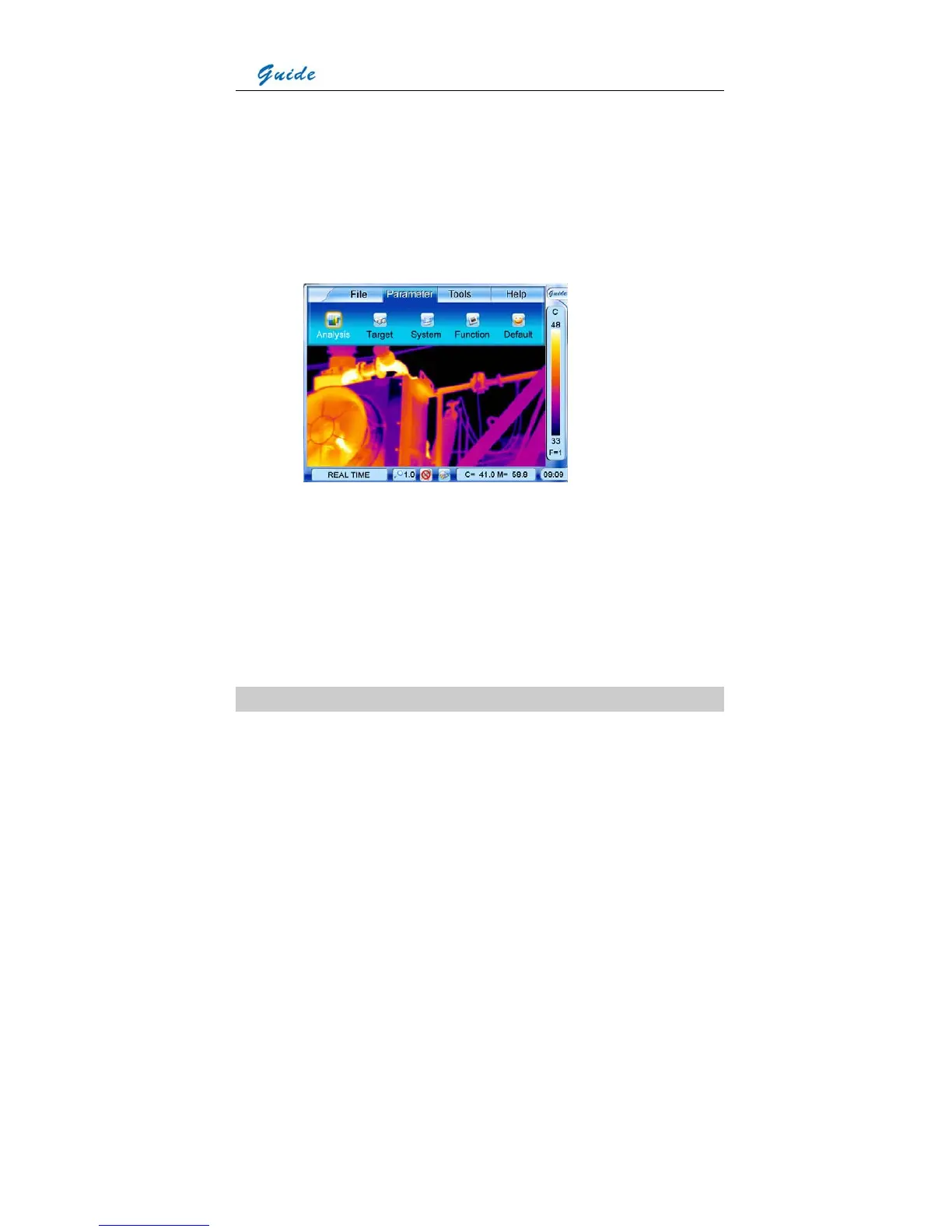
• Camera setup parameters can be set for the camera. Click the icon Guide at the right top
corner of the screen with the touch pen to bring up the main menu and then click the
submenu Parameter. Or press the joystick to bring up the main menu and move the
joystick up or down to select the submenu Parameter.
• Five options Analysis, Target, System, Function and Default are present in the screen.
Clicking them respectively with the touch pen or moving the joystick left or right can toggle
between them.
• Analysis: Allows for temperature analysis parameters for live and zoomed images to be
set up
• Target: Allows for temperature measurement parameters of the target to be set up
• System: Allows for parameters of the camera functions to be set up
• Function: Allows for some camera functions to be set up
• Default: Resumes the factory configured values of all the parameters
Option Analysis
• Click option Analysis with the touch pen or press the joystick to select it. Then the Analysis
dialog box appears on the screen.



 To Next Page