User Manual
60
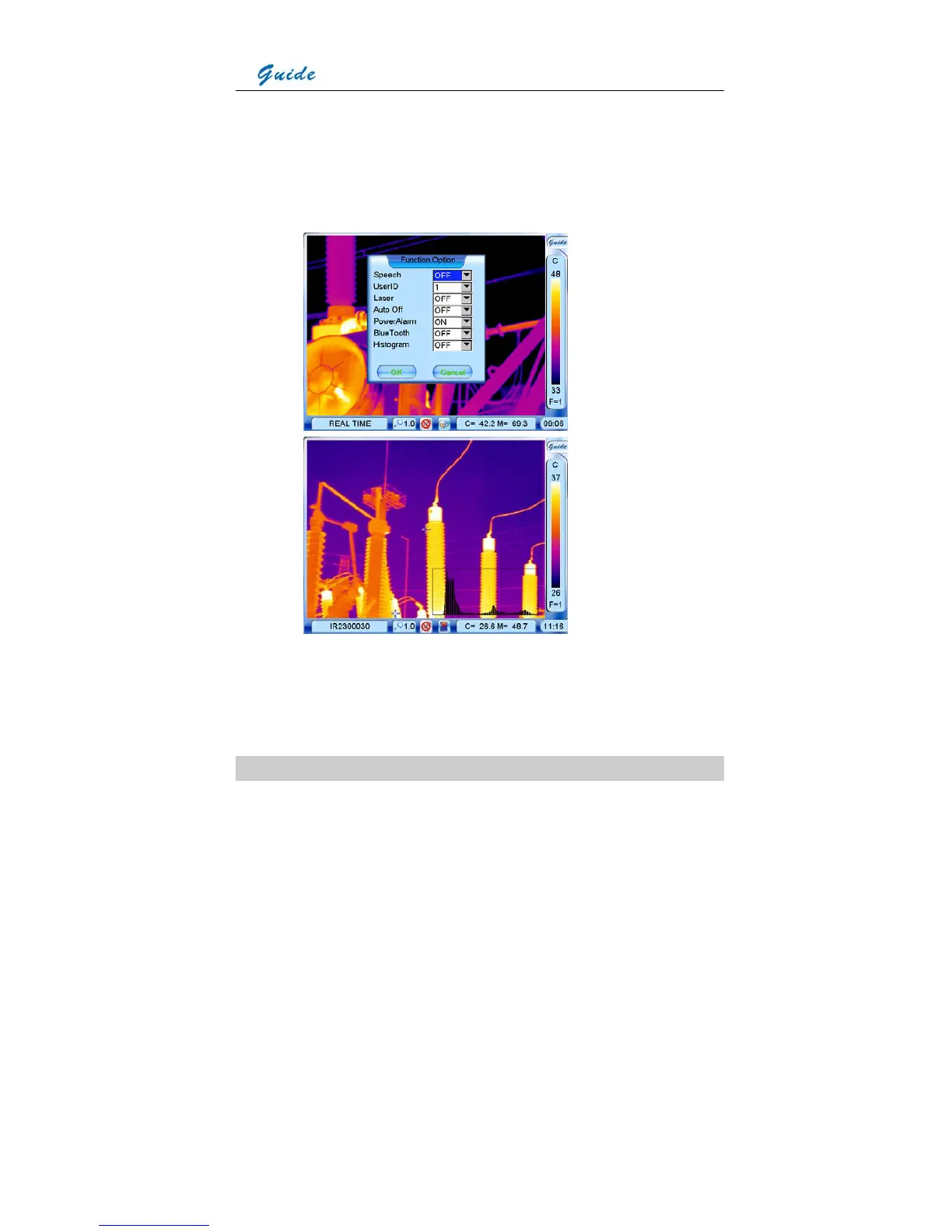
• In live or zoomed images, bring up the main menu, select option Histogram under
submenu Function either by the touch pen or by pressing the joystick, and then set its
value to be ON. Save the setup and back to the live or zoomed image, then histogram of
the image will be displayed at the right bottom corner of the image. To close the histogram,
back to the menu and set the option Histogram to be Off.
• In frozen or saved images, press function button F3. Then histogram of the image will be
displayed at the right bottom corner of the image. Pressing button F3 again will close the
histogram.
Parameter Setup



 To Next Page