User Manual
57
position and then release it. The temperature displayed in the status bar will accordingly
change.
• To change the size of an area after selecting it, click at one of its four corners with the
touch pen, drag the corner to a desired position and then release it. Or firstly press button
A for an instant, move the joystick up, down, left or right to desired positions and then
release it.
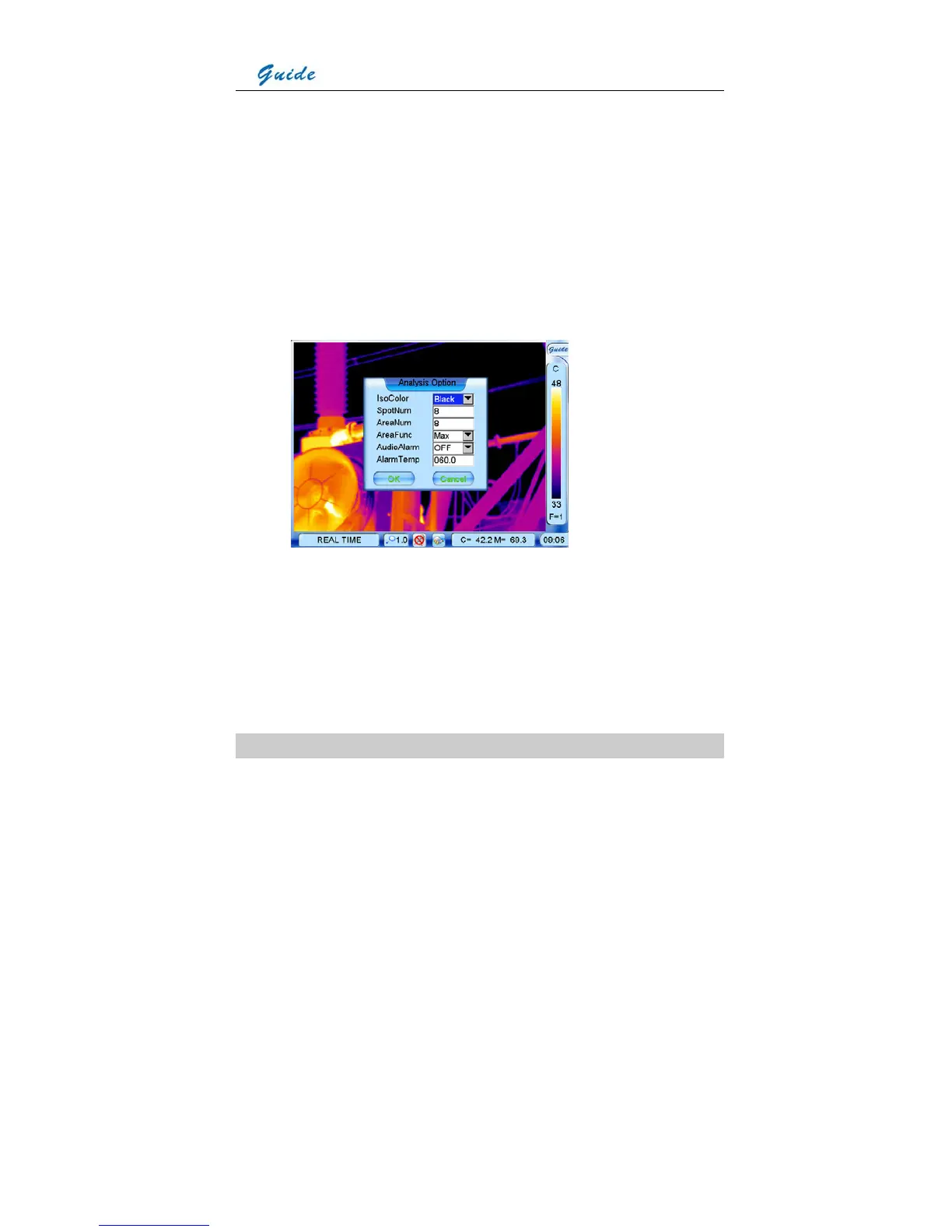
• Areas can be set to display the Maximum, Average or Minimum temperature. This is done
by setting the value of sub-option AreaFunc in option Analysis under submenu Parameter
and then choosing button OK to confirm the setup.
• It is possible to change the area number from 1 to 8. This is done by setting the value of
sub-option AreaNum in option Analysis under submenu Parameter and then choosing
button OK to confirm the setup. After this, a corresponding number of areas will be
available in the area analysis.
• Press button C to exit and return to the live or frozen or save image.
Isotherm Analysis



 To Next Page