User Manual
36
Operation on the x1 image is also available for the zoomed image.
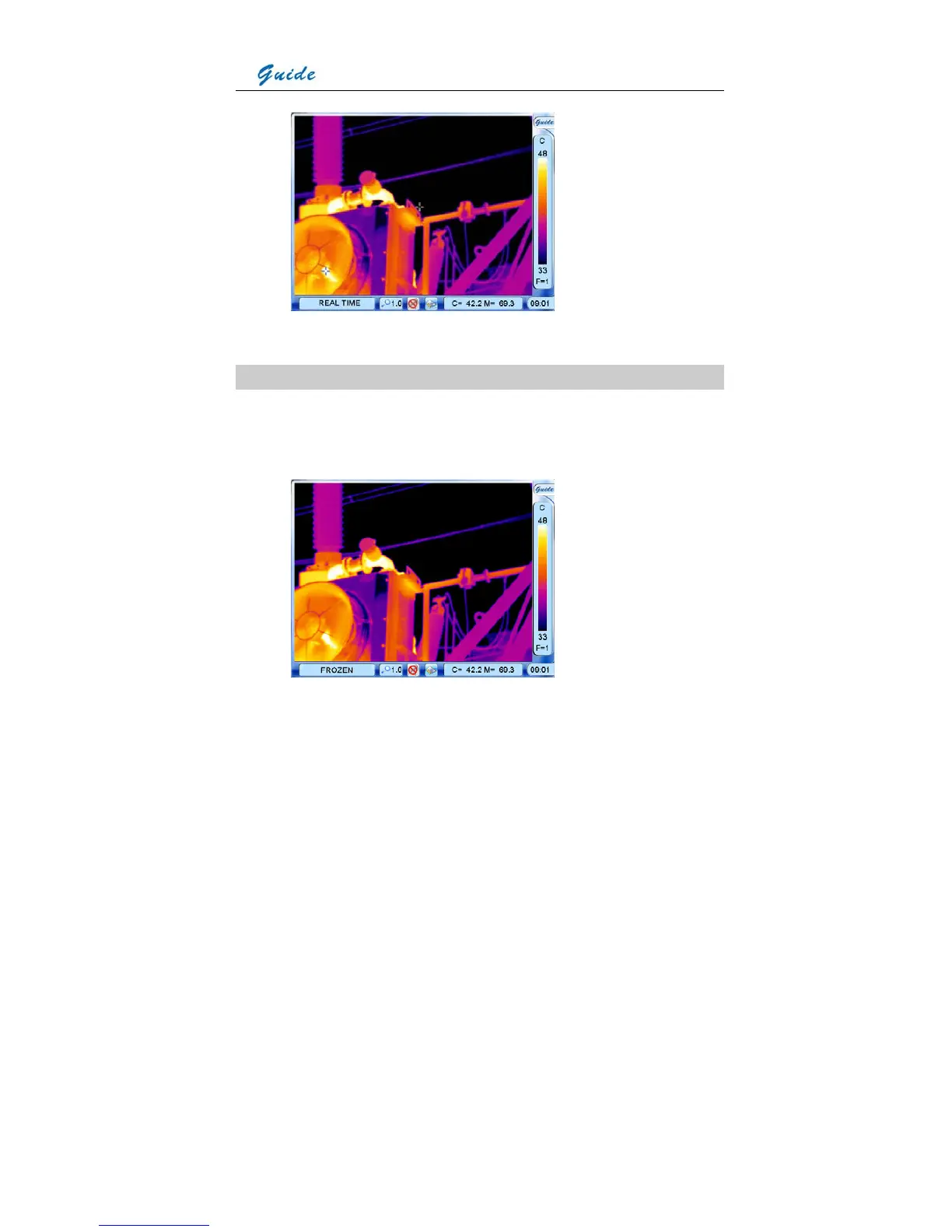
Pausing live images and save images
• Keep the camera steady when you have the image in focus, then press Button S to freeze
the live image. Now the image status changes to be frozen. Prompt Frozen is shown in
the status bar under the image screen.
• Pressing button S again can save the frozen image directly into the memory media
(built-in flash memory or SD memory card). Then name of the saved image “IR******” will
be displayed in the status bar under image screen for 2 seconds.



 To Next Page