User Manual
34
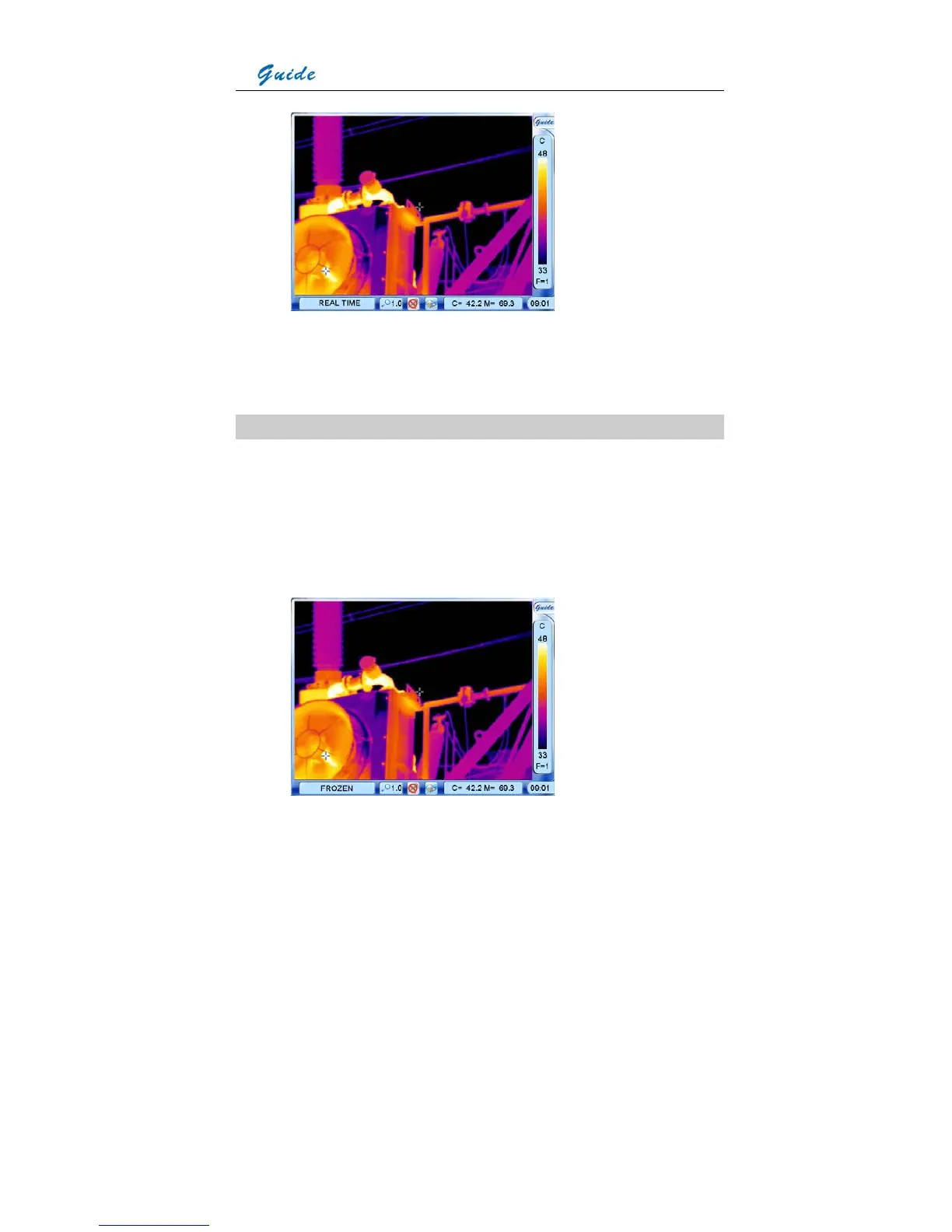
• Under the live thermal image, two temperature values are present in the temperature
display bar. The value of C indicates the center temperature; the value of M indicates the
maximum scene temperature.
Static Temperature Measurement
• This method is available when there is no menu displayed in frozen or saved thermal
images
• Keep the camera steady when you have the image in focus, press Button S to freeze the
live image; Or choose and open a saved image
• Move the center cursor by moving the joystick up, down, left or right or clicking the touch
pen on the center cursor and then moving it within the screen



 To Next Page