User Manual
41
live thermal image status.
• If the SD memory card or the built-in flash memory is fully filled with images, the
respective prompt “SD full” or “Storage full” will appear in the status bar under the image
screen when you try to store a new image. If failing to save an image, the prompt “Save
error” will appear in the status bar under the image screen.
Replaying saved images
Saved images can be replayed on or deleted from the camera.
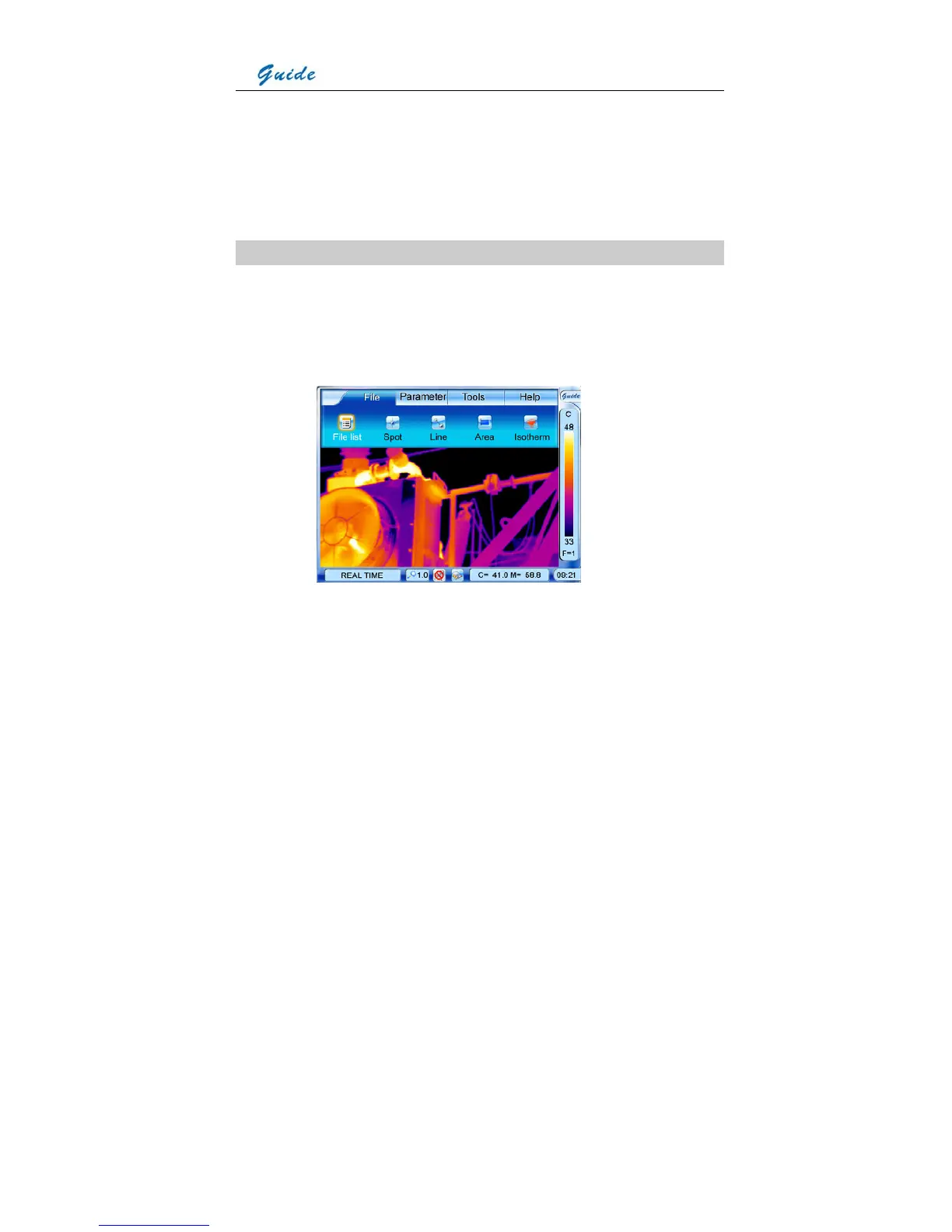
• Bring up the main menu and the select option File list under submenu File with the touch
pen. Or press the joystick when there is no menu displayed in live image to bring up the
main menu, with option File list highlighted. Press the joystick again to select the option
File list.
• Now the thumbnail images are displayed in the screen (6 per screen) and the file toolbar
is displayed under the image screen. At this moment, the first image and icon Play file are
highlighted.
• To toggle between the 6 images within one screen, click them with the touch pen or move
the joystick up, down, left or right. To select a certain image, choose the icon Play file by
clicking it with the touch pen. Or you can press button S to highlight the icon first and then
press the joystick to select the icon.



 To Next Page