User Manual
42
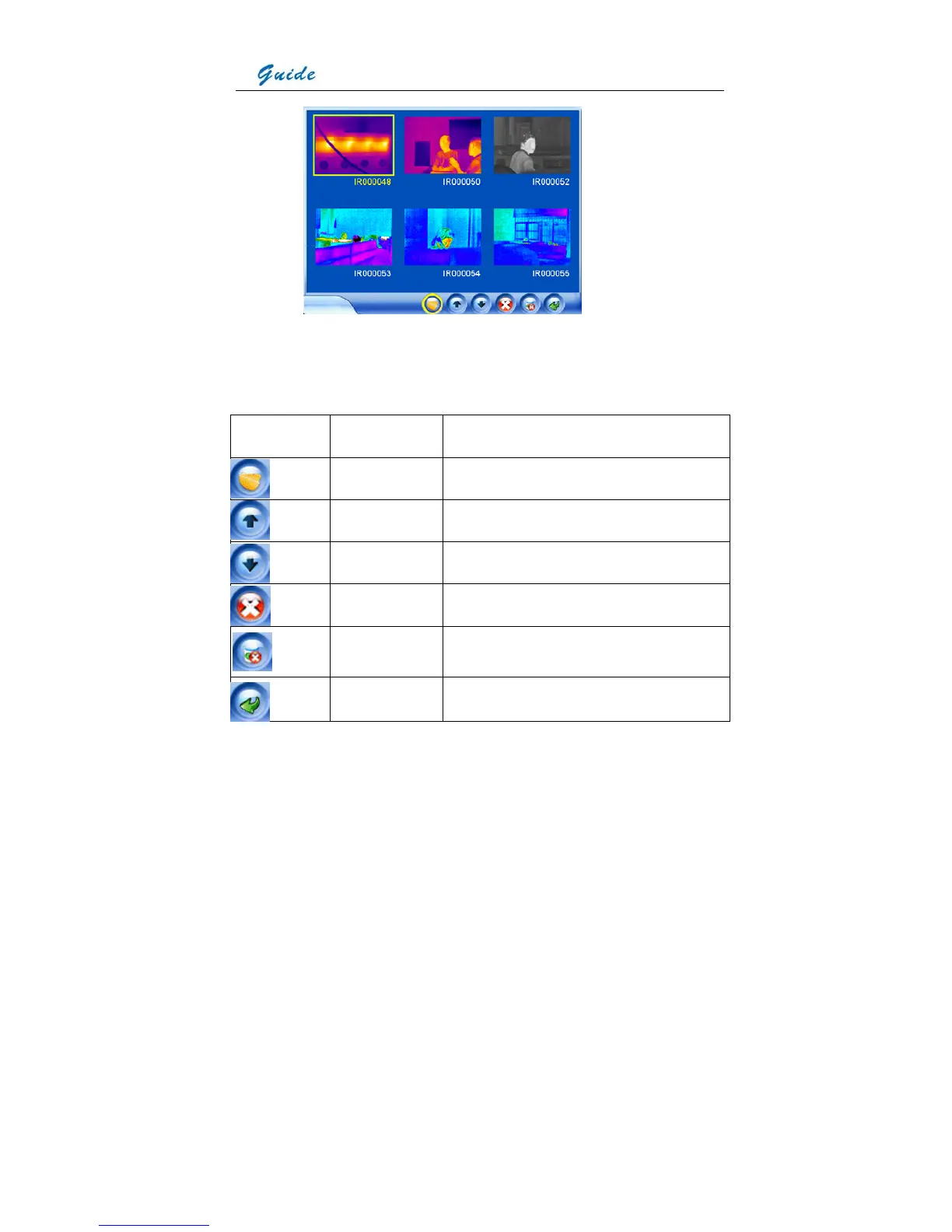
• To toggle between each icons of the file toolbar, click them with the touch pen or press
button S. After highlighting a certain icon, pressing the joystick will choose the icon and
execute the corresponding function.
• Functions of the icons are listed below:
Icon Significance Function
Open file Open a selected image
Up direction Press it to turn to the previous screen
Down direction Press it to turn to the next screen
Delete file Delete a selected image
Delete all Delete all the saved images from the current
memory media
Exit command Exit the replay status and back to live thermal image
• If more than 6 images are saved, the images will be displayed by more than 1 screen. To
toggle between the screens, select icon Up direction or icon Down direction.



 To Next Page