User Manual
47
• The icon Replay text annotation is not available when the replayed image does not
include text annotation
Visual image
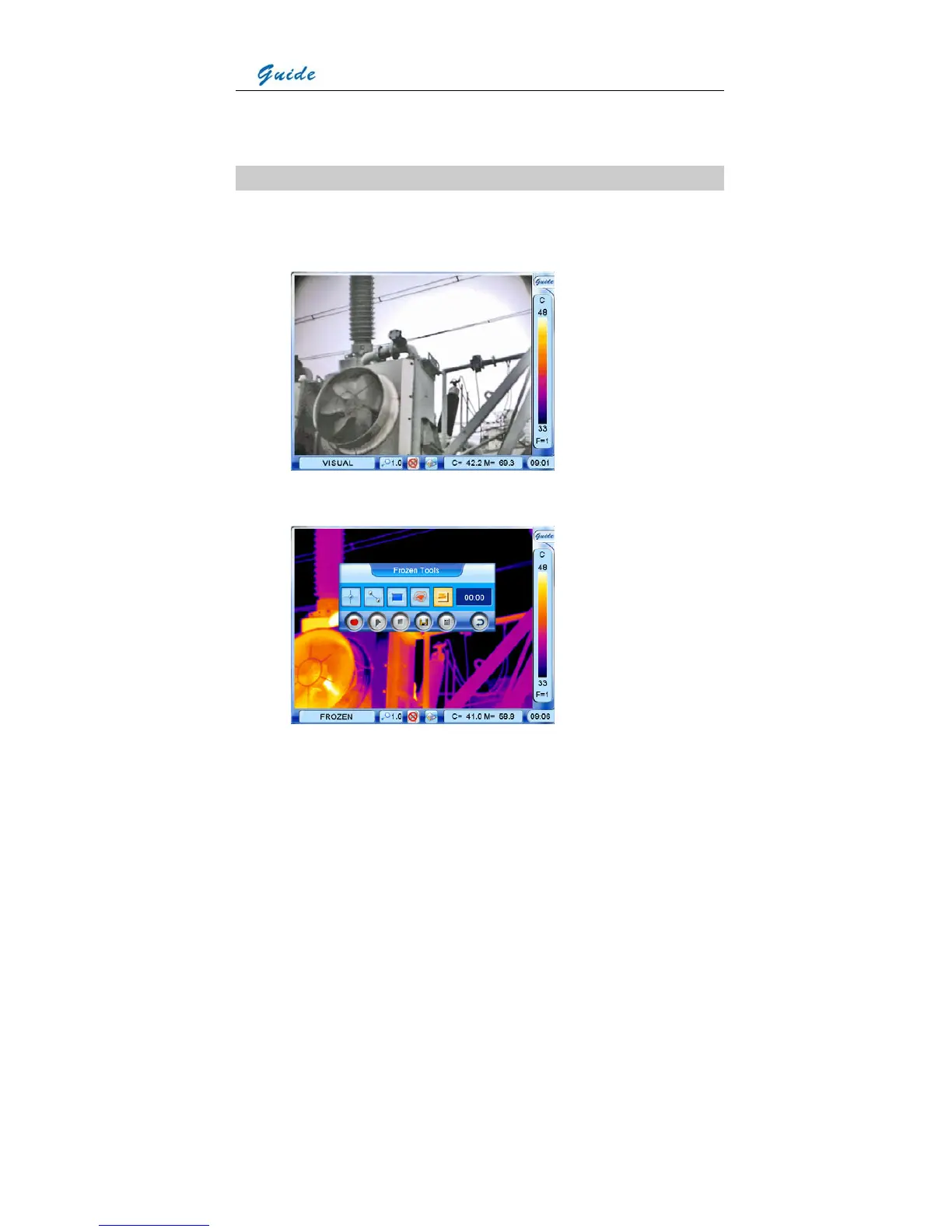
The camera offers visual imaging function. Visual image can be switched from its
corresponding thermal image either in dynamic live status or static zoomed/frozen/ replay
status, vice versa.
• This can be done easily by pressing the function button F2 directly. Or in frozen or replay
status, you can choose the icon Visual image display in the frozen or replay toolbar.



 To Next Page