User Manual
46
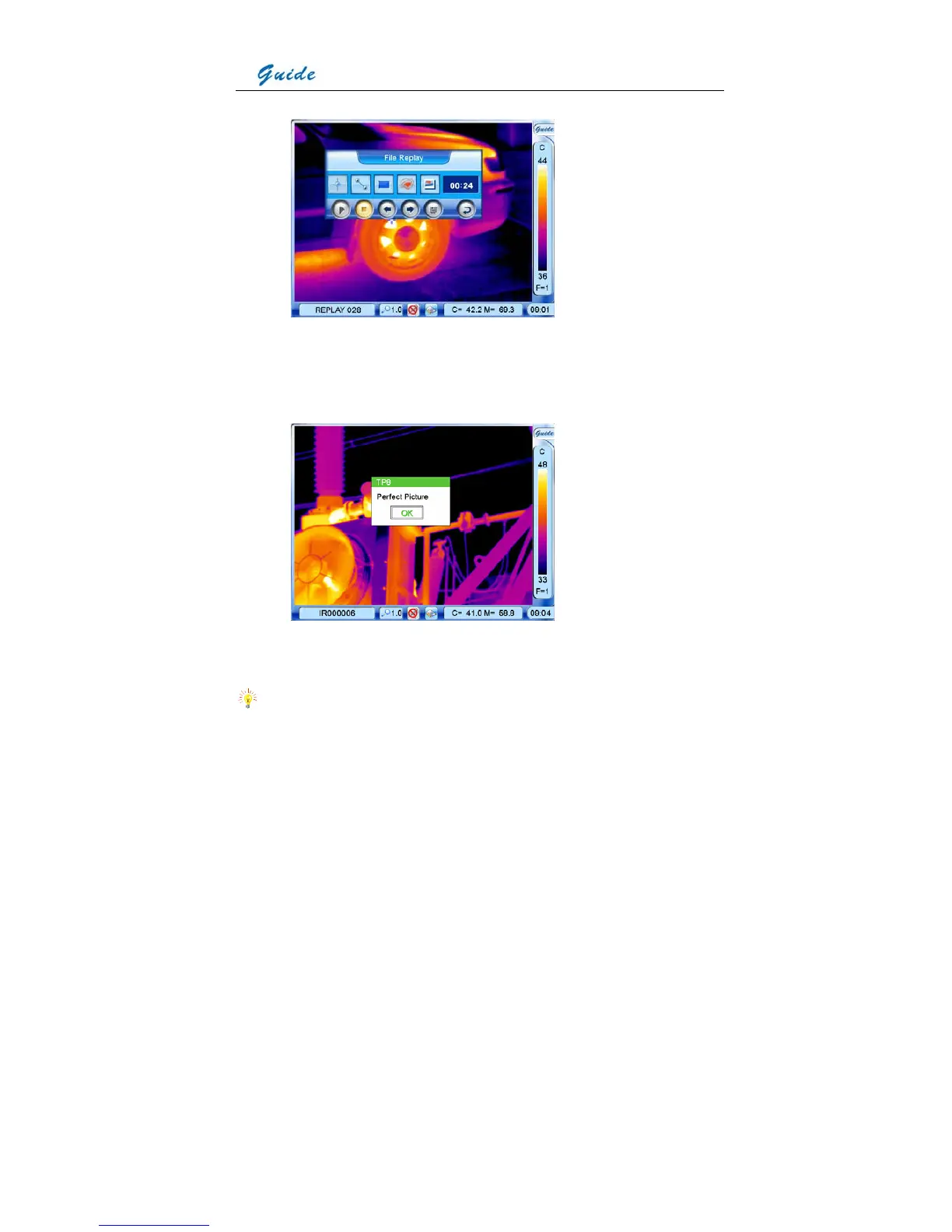
• To view the recorded text annotation, choose icon Replay text annotation. Then the
recorded text will be displayed in a dialog box on the image screen. To close the dialog
box, choose the button OK by clicking it with the touch pen or pressing the joystick.
• To exit the replay status, choose icon Exit command or press button C. Then the live
thermal image will be resumed.
Note:
• The icon Start voice replaying is not available when the replayed image does not include
voice annotation



 To Next Page