User Manual
45
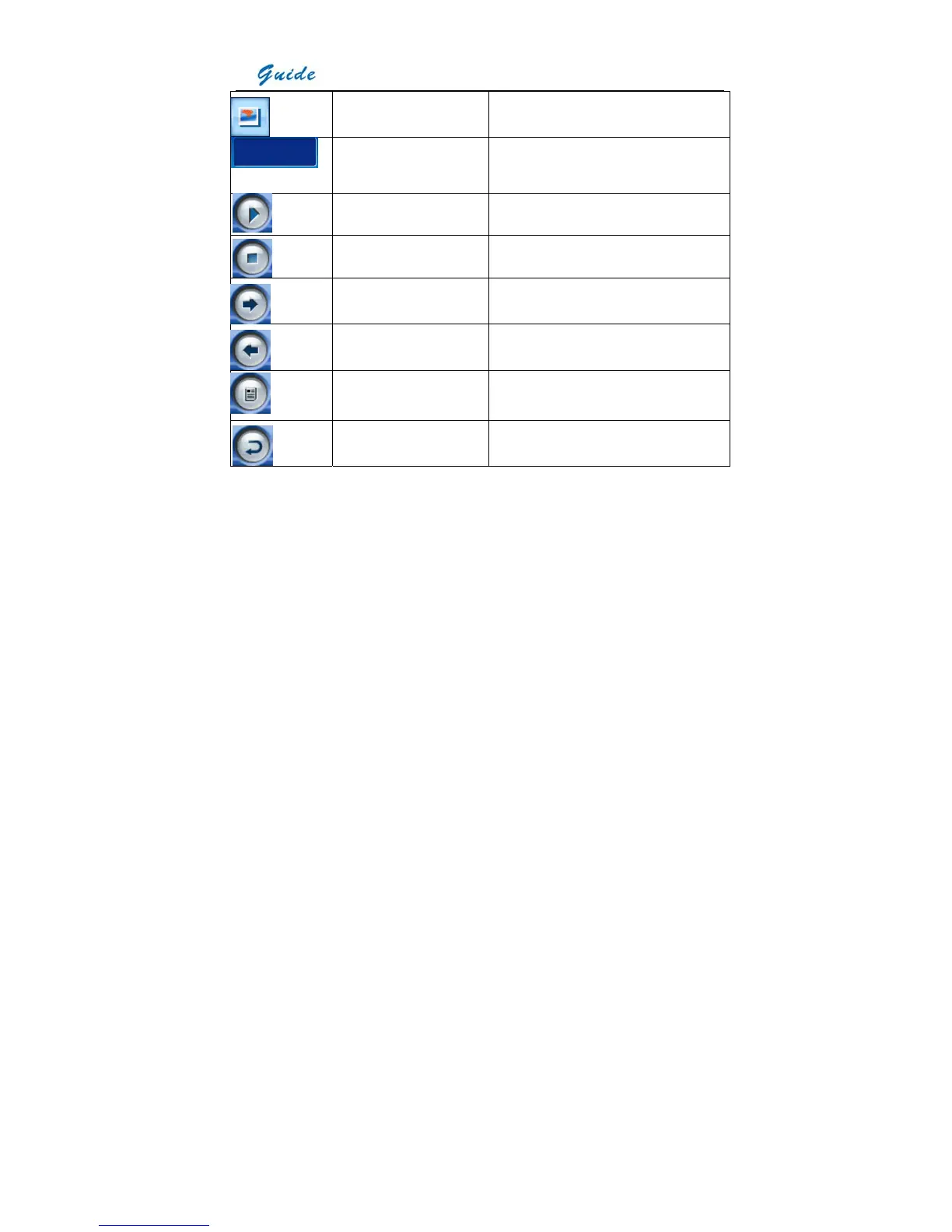
Visual image display Replay visual image of the replayed image
Time of voice annotation Replay voice annotation recorded for the
replayed image
Start voice replaying Start replaying the voice annotation
Stop voice replaying Stop replaying the voice annotation
Right direction Choose it to open next image
Left direction Choose it to open the previous image
Replay text annotation Replay the text annotation added to the
replayed image
Exit command Exit the replay toolbar
• Spot, line, area and isotherm analysis is the same as that in live thermal image. For
detailed operation, please refer to the corresponding section below.
• To replay the visual image, choose icon Visual image display. Then the visual image taken
together with the replayed thermal image will be displayed.
• To replay the recorded voice annotation, choose icon Start voice replaying. Then you can
hear the voice and view the time in the icon Time of voice annotation. You can also stop
replaying before it automatically ends. This can be done by choose icon Stop voice
recording.



 To Next Page