User Manual
44
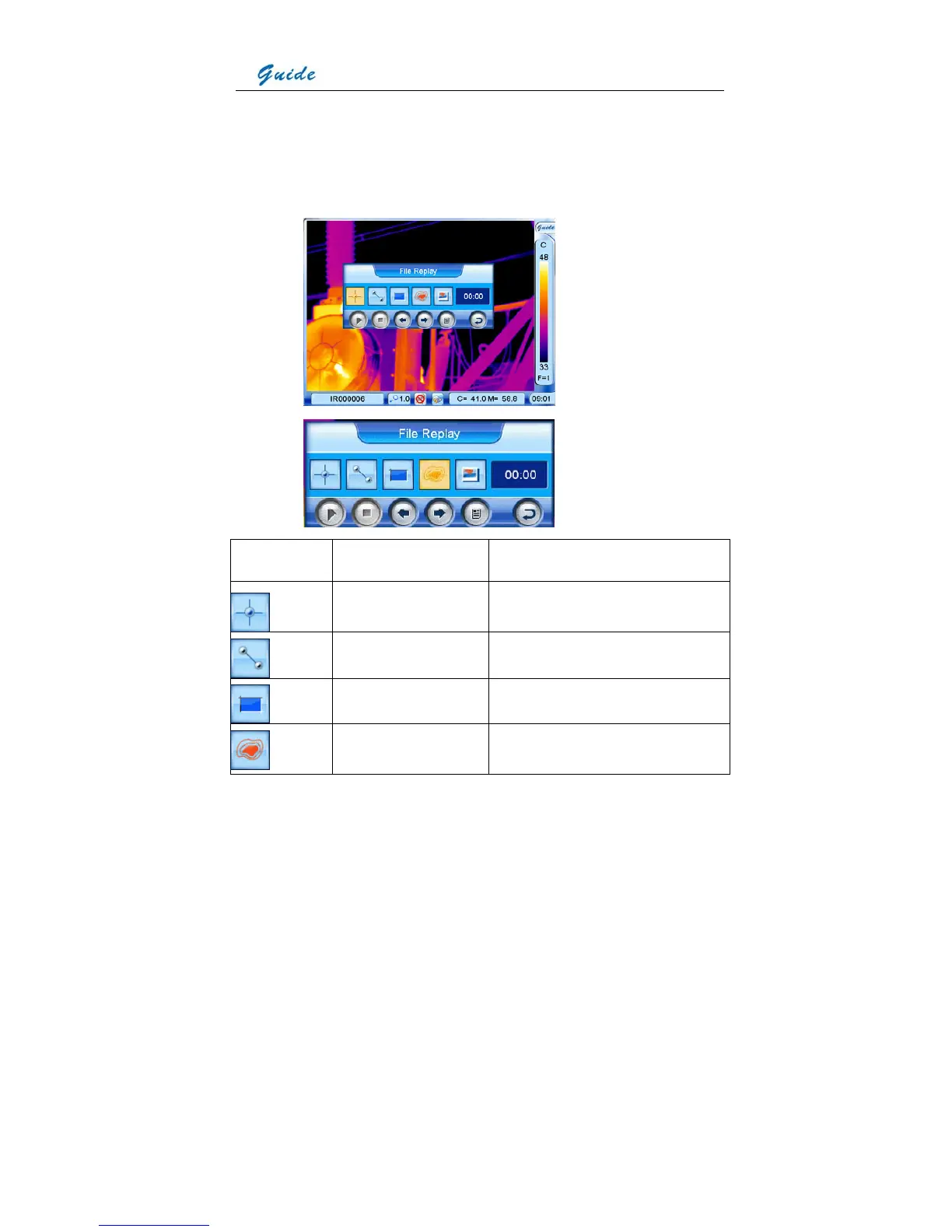
the right top corner of the screen with the touch pen or pressing the joystick. The toolbar
offers similar options to the frozen toolbar, whose functions are introduced below. Clicking
each icon with the touch pen can select them respectively. Or move the joystick up, down,
left or right to highlight one option first and press the joystick to select the highlighted
option.
Icon Significance Function
Spot analysis Do spot analysis on the replayed image
Line analysis Do line analysis on the replayed image
Area analysis Do area analysis on the replayed image
Isotherm analysis Do isotherm analysis on the replayed
image



 To Next Page