User Manual
73
image.
Note: In the adjustment process, improper adjustment may cause the touch pen not to
work well. Thus it is strongly recommended to use joystick and buttons in this process.
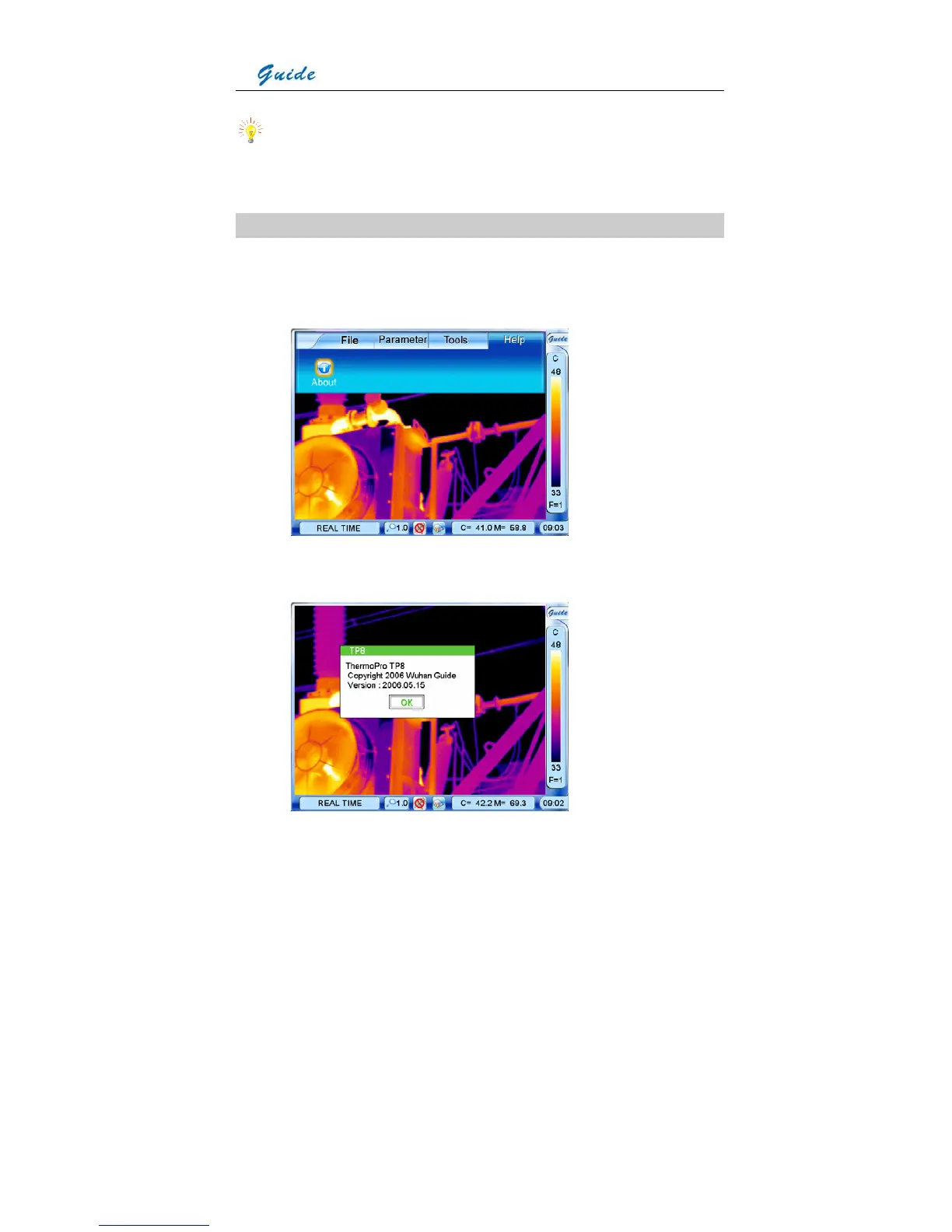
Menu Help
• Click the icon Guide at the right top corner of the screen with the touch pen to bring up the
main menu and then click the submenu Help. Or press the joystick to bring up the main
menu and move the joystick up or down to select the submenu Help.
• Option About is highlighted. Click it with the touch pen or press the joystick to select it.
Then the copyright dialog box appears on the screen.



 To Next Page