User Manual
72
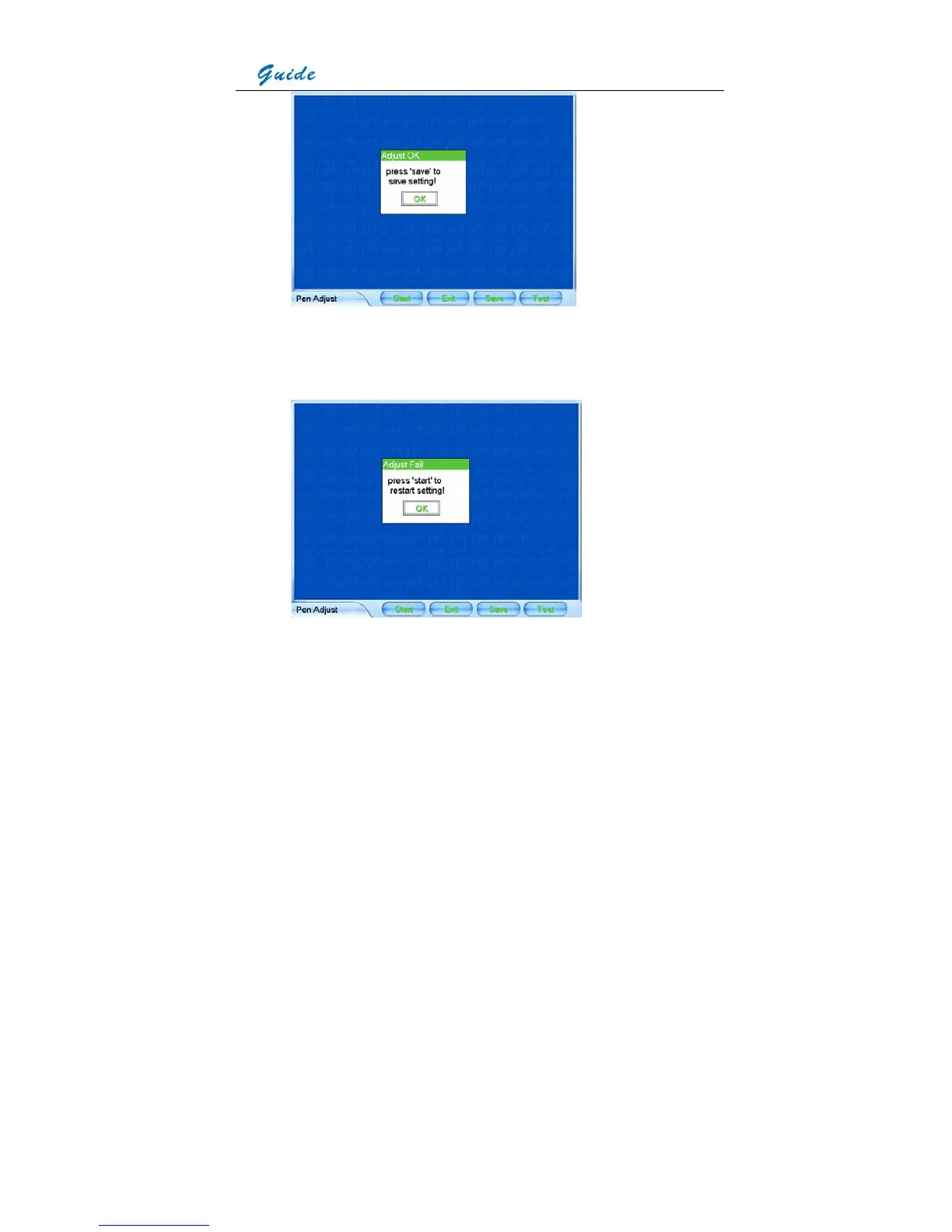
• If adjustment fails, mainly under the case that the touch pen did not click on the cursor
centers, a dialog box will appear to indicate failure. Then repeat the operation above till
adjustment succeeds.
• To save the ultimate coordinates of the pen after adjustment, select button Save. To test
the adjustment result, select button Test, draw anything with the touch pen on the screen
and observe whether the cursor moves accordingly with the pen. If so, adjustment has
done well. Now select button Save to save the ultimate coordinates of the pen after
adjustment. Then the pen and cursor will respond each other accurately.
• Select button Exit or press button C to exit the interface and return to the live thermal



 To Next Page