User Manual
64
Option System
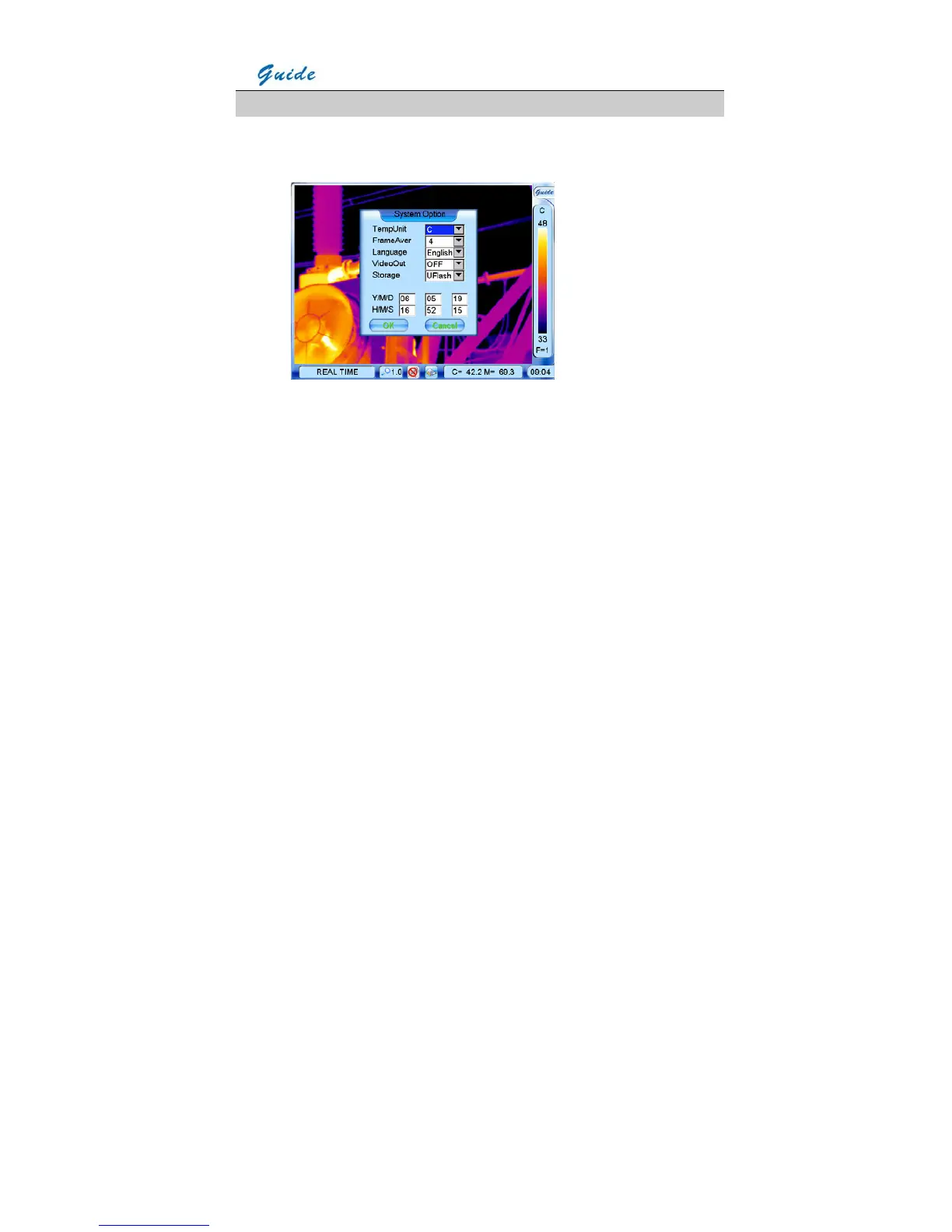
• Click option System with the touch pen or press the joystick to select it. Then the System
dialog box appears on the screen
• Clicking each option box with the touch pen or pressing button S can toggle between the
options. Clicking each value respectively with the touch pen or moving the joystick up or
down can alter values of the option. Moving the joystick left or right can toggle between
each digit of the option values if the values contain several digits.
• TempUnit: To set the temperature unit for measurement, degrees Celsius or Fahrenheit
• FrameAver: To set the number of frames for frame averaging algorithm to freeze image
• Language: To select the language for man-machine communication
• VideoOut: To turn on or off the video output function. PAL and NTSC can be selected as
per requirements and be outputted together with VGA to respective devices. Off means
only the VGA output is available.
• Storage: To choose the memory medium where to save files. If SD card is inserted in the
camera, the default medium is SD card. But you can switch to the built-in flash memory as
per need. To switch between the two memory media, you can either set UFlash for



 To Next Page