User Manual
48
• Focus of the visual camera can be adjusted as well. Generally the focus is suitable. If
necessary, you can adjust it manually by rotating the visual focusing gear under the lens
at the front of the camera.
• To switch to thermal image, press button F2 again or press button C.
Main Menu Introduction
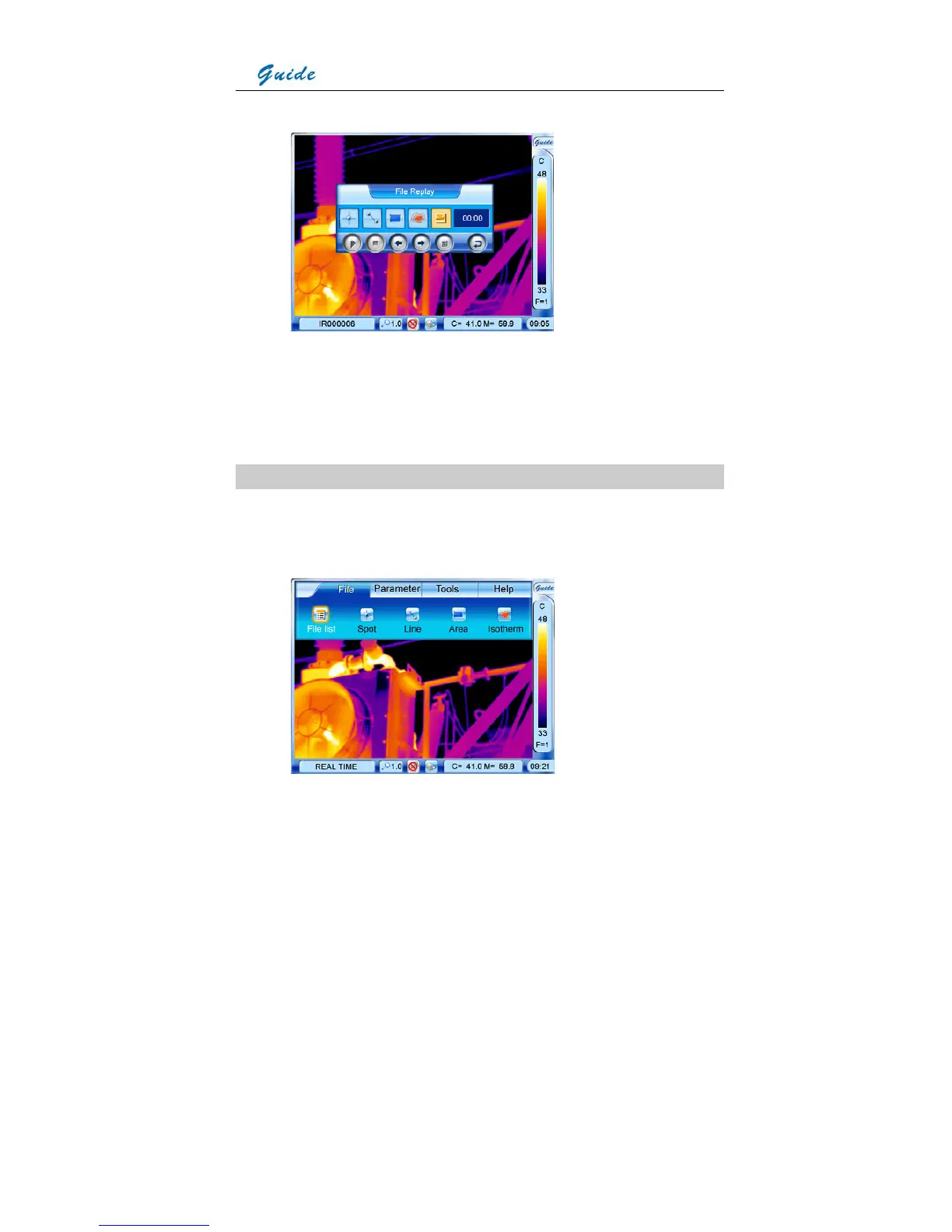
• The camera offers a user-friendly Windows-style main menu. The main menu is brought
up on the screen by either clicking the icon Guide at the right top corner of the screen or
pressing the joystick when there is no menu displayed in the screen



 To Next Page