User Manual
22
• To remove a SD memory card, press the card downwards and then release it. It will
bounce to be pulled it from the camera
Notes for the SD memory cards:
• Ensure that saving or opening of images is complete before removing the SD memory card
• Do not use the SD memory card as a common removable disk for storing other information
than images or video taken by the camera
Inserting/ Replacing the Battery
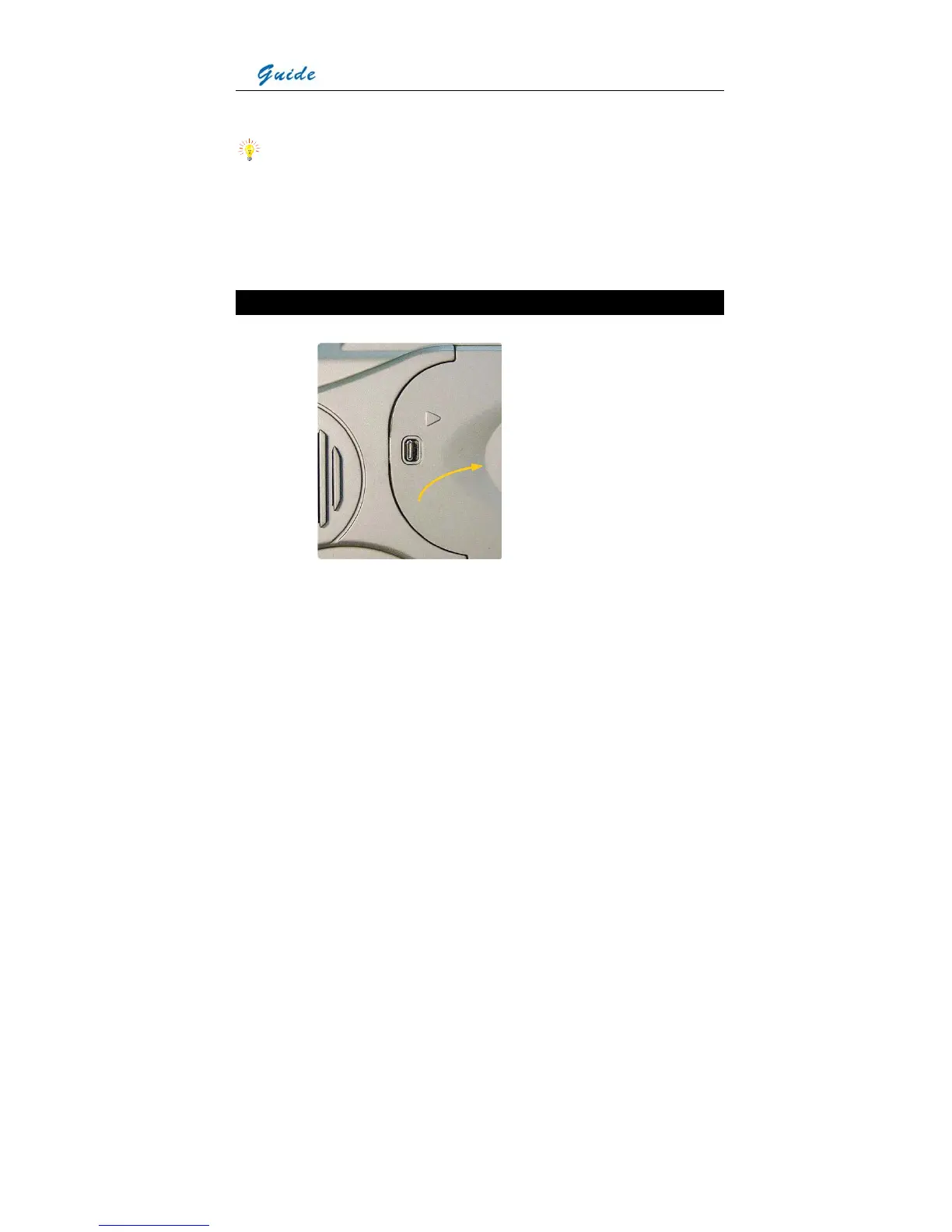
• Open the battery door by sliding the release button right, as shown below.
• Insert a fully charged battery with the charge terminals pointing inwards and slide in the
battery until you hear a clear sound given by the release button to ensure the battery has
been locked into place.
• The battery level is displayed in the status display screen at the back of the camera. When
it is to be used up (i.e. the camera will automatically switch off in 15 minutes), an audible
sound alarm will activate and the battery level symbol in the status display screen will
flicker. At this point the battery needs to be replaced by a fully charged one
• Before replacing the battery, ensure that the camera is powered off



 To Next Page